Workspace Design
The Desk Layout We Keep Coming Back To
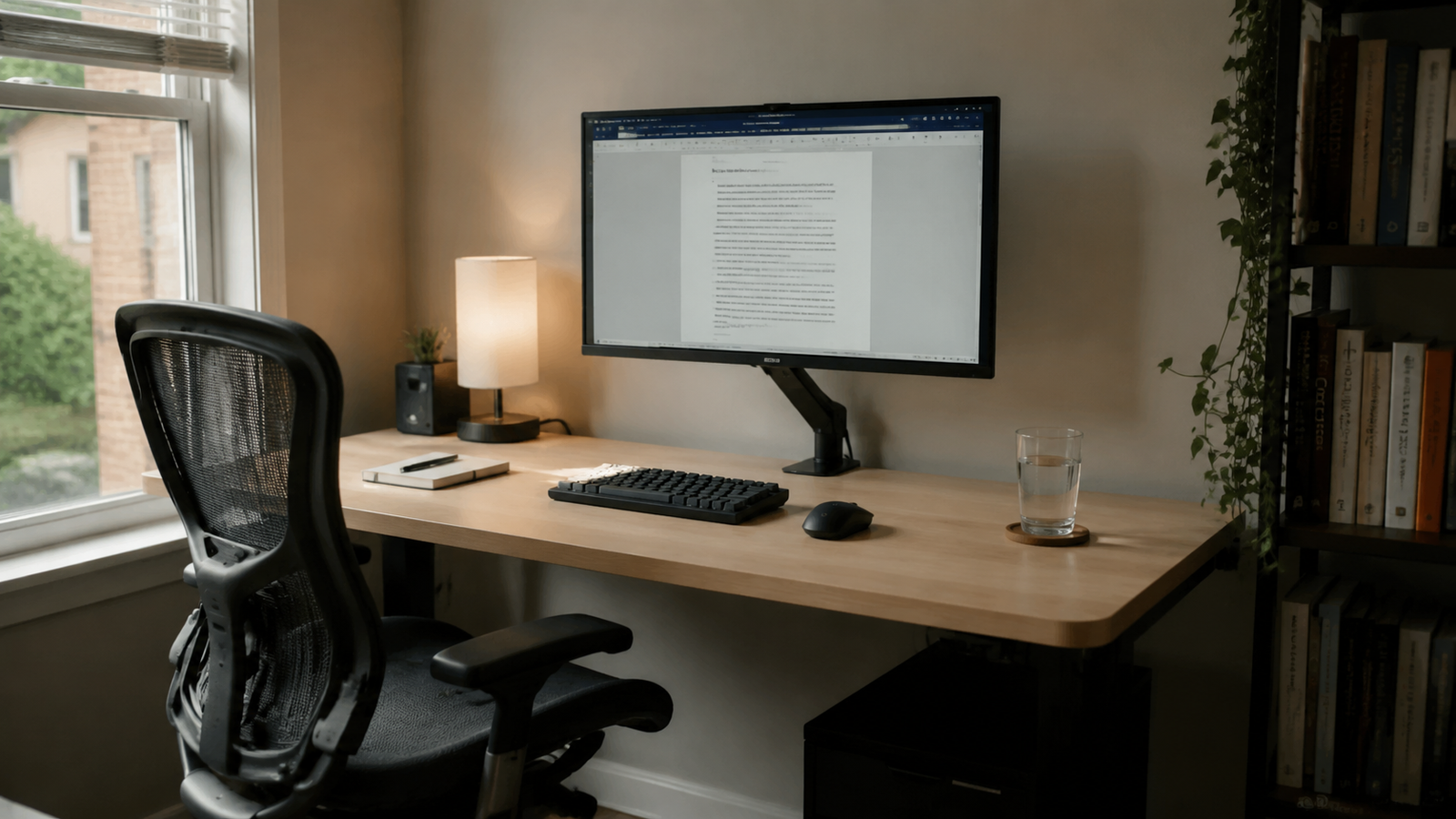
After testing different desk arrangements over the years, we keep returning to the same layout. Not because it's trendy, but because it consistently makes work easier.
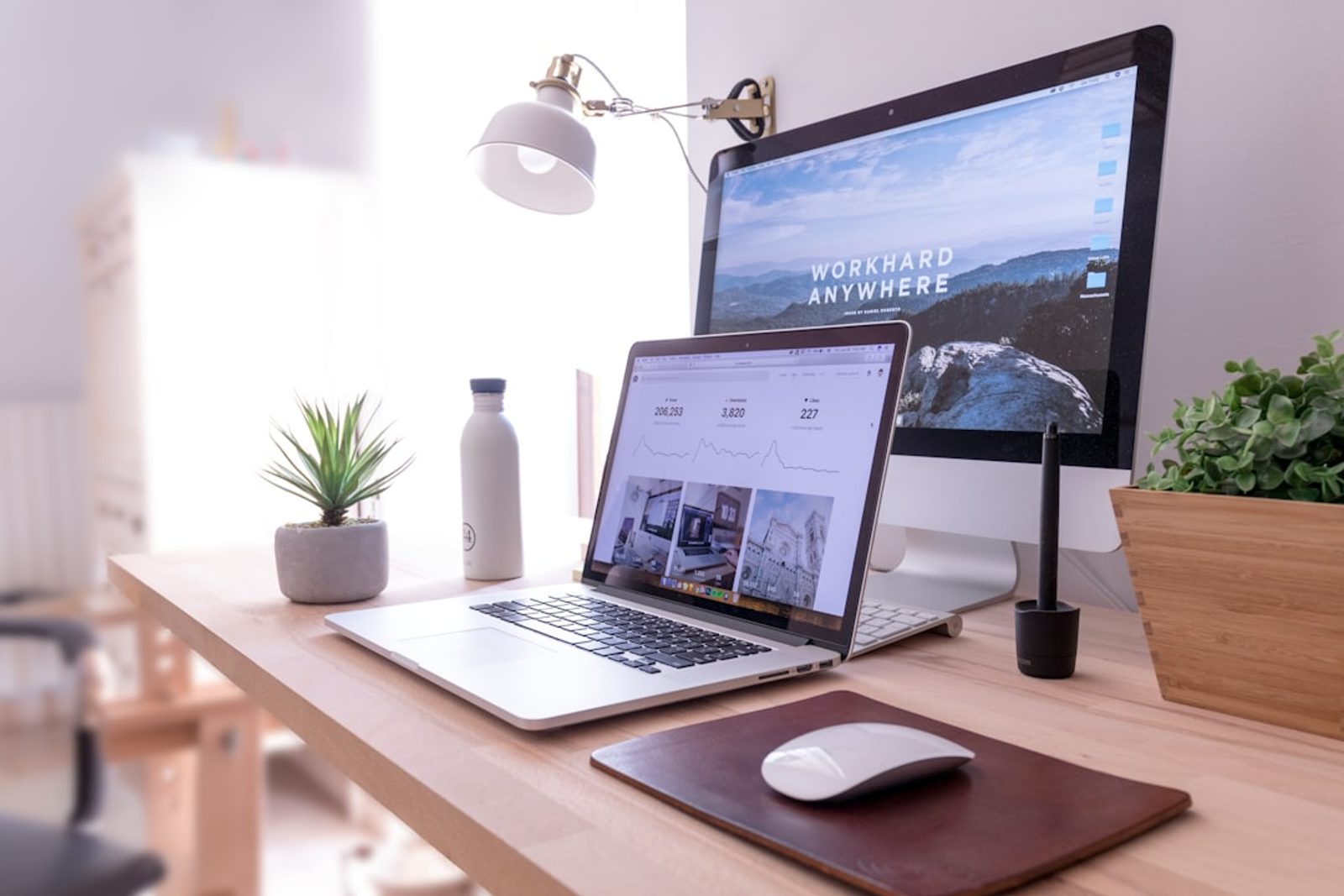
I've rearranged my desk more times than I'd like to admit.
Monitor on the left. Monitor on the right. Laptop centered. Dual screens. Shelves above. Accessories everywhere.
Every new layout felt promising for about a week.
Then the small frustrations started appearing.
My notebook didn't have enough room. The monitor felt slightly off-center. Reaching for daily tools became annoying.
Eventually I noticed something interesting.
No matter how many experiments I tried, I kept returning to the same basic desk layout.
Not because it looked the best.
Because it consistently made work easier.
Most Desk Layout Problems Aren't About Space
When a workspace feels uncomfortable, people often assume they need a bigger desk.
In reality, many workspace frustrations come from arrangement rather than size.
The monitor is slightly too close.
The keyboard isn't aligned with the screen.
The notebook area gets squeezed by accessories.
Each issue seems minor.
Together, they create friction that lasts all day.
The Layout We Always Return To
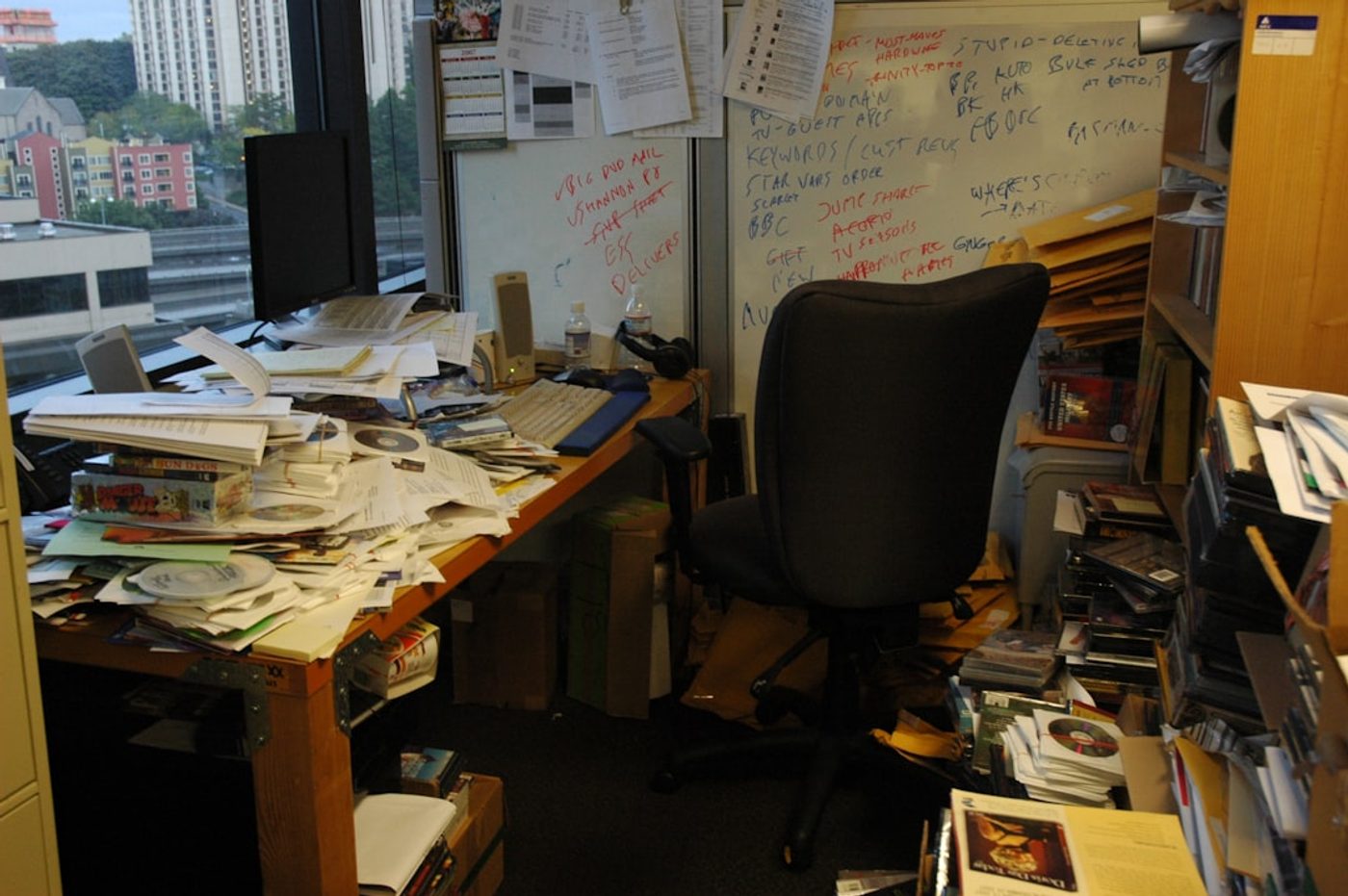
After years of trying different setups, our preferred layout remains surprisingly simple.
- Monitor centered
- Keyboard aligned with the monitor
- Notebook space beside the keyboard
- Lighting positioned slightly off-center
- Daily tools within easy reach
- Everything else removed from the desk
That's it.
Nothing revolutionary.
But it consistently creates a workspace that feels calm, balanced, and easy to use.
Why Monitor Placement Matters So Much
If there's one part of desk arrangement people underestimate, it's monitor placement.
The monitor becomes the visual anchor of the entire workspace.
When it's centered, the desk feels balanced.
When it's pushed too far to one side, everything else tends to compensate around it.
The result is often a workspace that feels unintentionally awkward.
For most single-monitor setups, we recommend centering the display and building the rest of the layout around it.
Protect the Notebook Zone
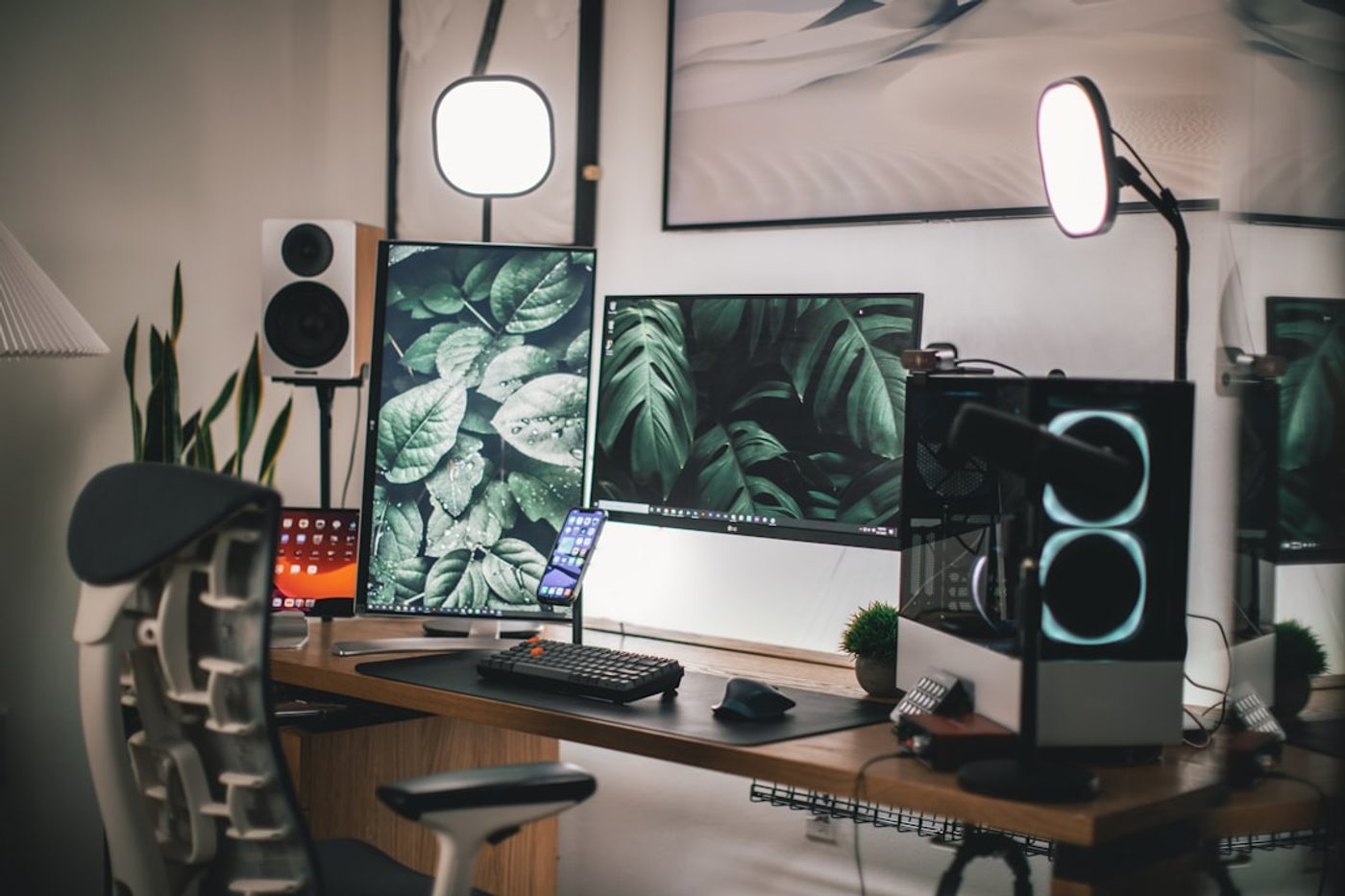
One thing I notice in many workspace photos online is that there's nowhere to think.
There's room for gadgets.
Room for decorations.
Room for accessories.
But not enough room for an open notebook.
A good workspace layout protects a dedicated area for writing, sketching, planning, and reviewing ideas.
That space often contributes more to productivity than another accessory ever will.
The DeskCurated Principle: Design for Use, Not Photos
Many online desk setups are optimized for photography.
Everything looks perfect.
Everything is symmetrical.
Everything is carefully arranged.
Then real work begins.
The notebook appears.
The coffee mug moves.
Documents spread across the desk.
The setup starts fighting the work.
At DeskCurated, we believe a workspace should be designed for hours of use, not five seconds of photography.
Less Equipment Creates Better Layouts
One unexpected lesson from studying great workspaces is that layout becomes easier when there are fewer objects to arrange.
The most comfortable workspaces usually contain:
- A monitor
- A keyboard
- A notebook
- Good lighting
- A few daily tools
Everything else must earn its place.
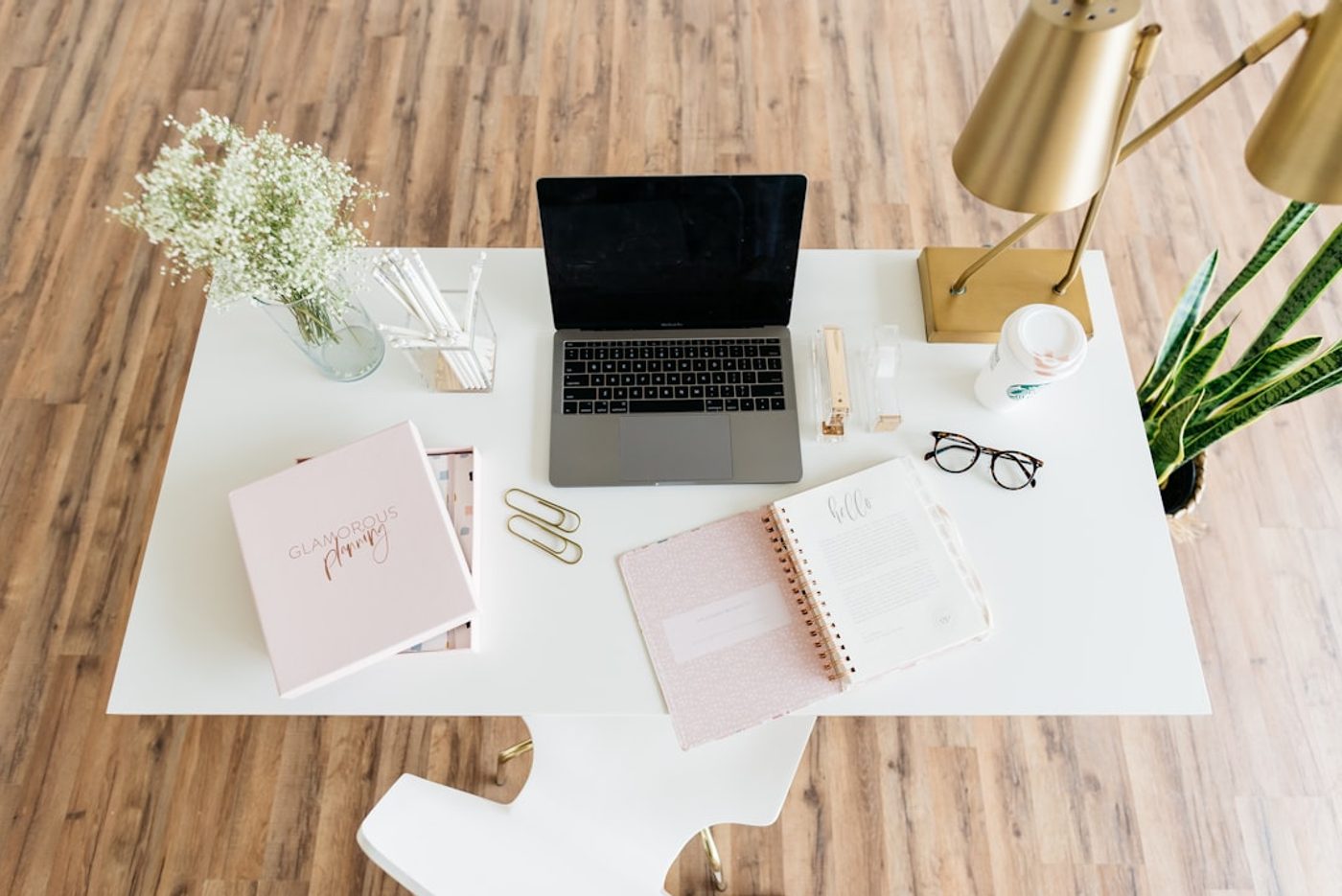
Why We Keep Coming Back to This Layout
The best desk layout isn't necessarily the most creative one.
It's the one that disappears once work starts.
A centered monitor.
Comfortable monitor placement.
Protected notebook space.
A clean desk arrangement with room to think.
Every time we experiment with something more complicated, we eventually find ourselves returning to these same fundamentals.
That's usually a sign that they work.
Related Reading
Continue Reading

FAQ
What is the best desk layout for productivity?
A centered monitor, aligned keyboard, dedicated notebook space, and minimal distractions create a balanced and productive workspace layout.
Where should a monitor be placed on a desk?
For most single-monitor setups, the monitor should be centered and positioned at a comfortable viewing distance to create visual balance and reduce strain.
What makes a good desk arrangement?
A good desk arrangement prioritizes daily workflow, protects open work areas, keeps essential tools nearby, and minimizes unnecessary clutter.