Workspace Organization
How to Hide Desk Cables Without Permanent Changes
You don't need to drill holes or modify furniture to improve desk cable management. A few simple adjustments can make cables nearly disappear.
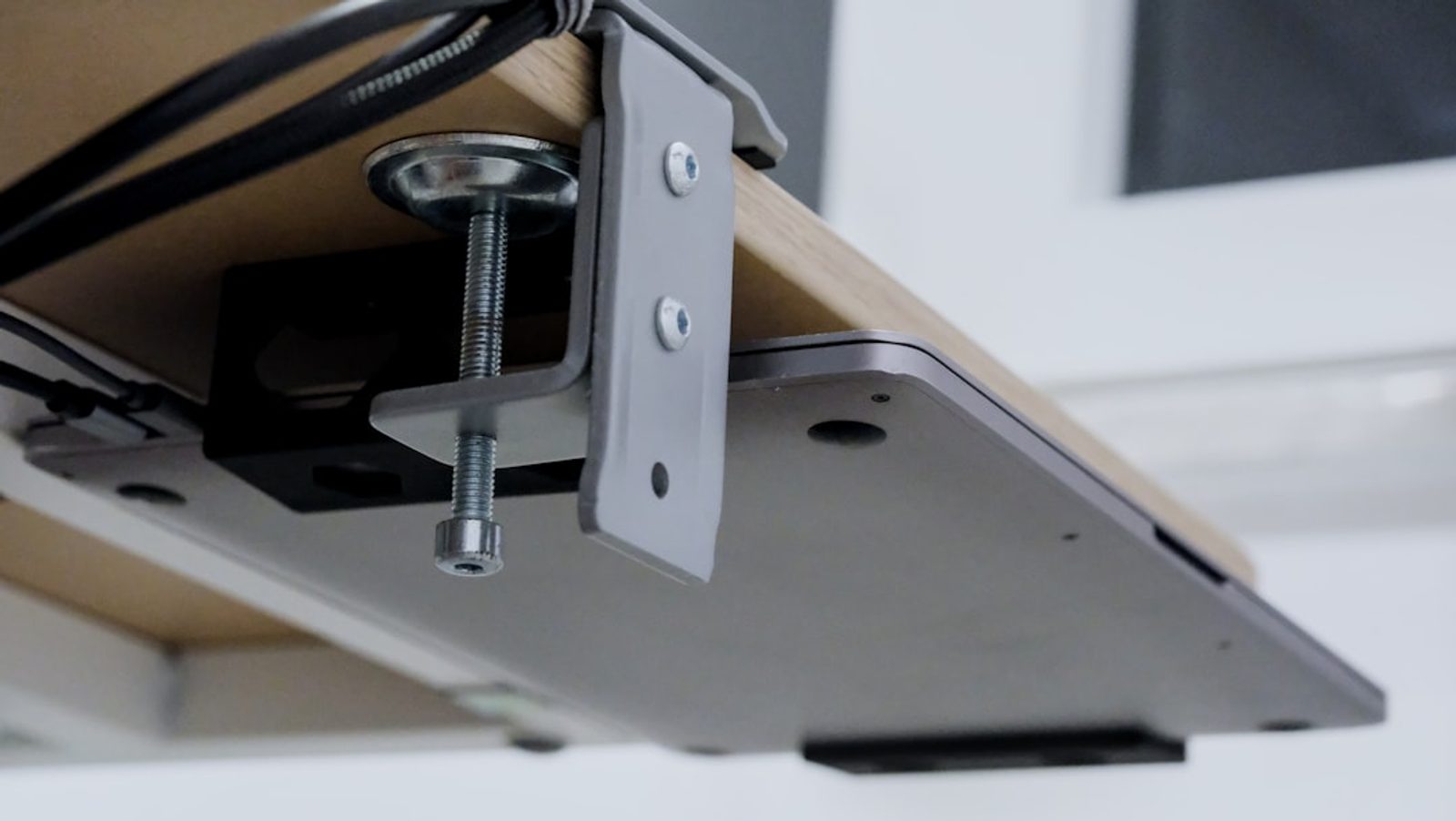
The first time I tried to improve my desk cable management, I made it far more complicated than it needed to be.
I watched videos filled with drilling, mounting hardware, custom cable channels, and permanent modifications.
For a moment, I thought that was the only way to achieve a clean workspace.
Then I remembered one important detail.
I was renting.
Like many people working from apartments, shared spaces, and temporary homes, I didn't want to drill holes or permanently alter furniture.
What surprised me was how much cleaner the workspace became without making a single permanent change.
Most Cable Problems Aren't Actually Cable Problems
When people think about cable management, they often focus on the cables themselves.
But visible cables are usually a symptom.
The real problem is that devices, power sources, and accessories have never been planned as a system.
A charging cable arrives.
Then a monitor.
Then speakers.
Eventually, the workspace becomes a collection of individual solutions.
The cables simply reveal the chaos.

Start by Reducing Cable Count
Before organizing anything, look at the number of cables currently connected to the desk.
Many setups contain cables that aren't actively needed.
Unused chargers.
Backup accessories.
Devices that remain connected simply because disconnecting them feels inconvenient.
One of the fastest ways to improve desk cable management is removing cables entirely.
You can't organize what doesn't need to be there.
Move the Power Strip Out of Sight
If there's one change that transforms most workspaces immediately, it's relocating the power strip.
Many desks leave it fully visible on the floor or beside the desk.
That single object often becomes the source of visual clutter.
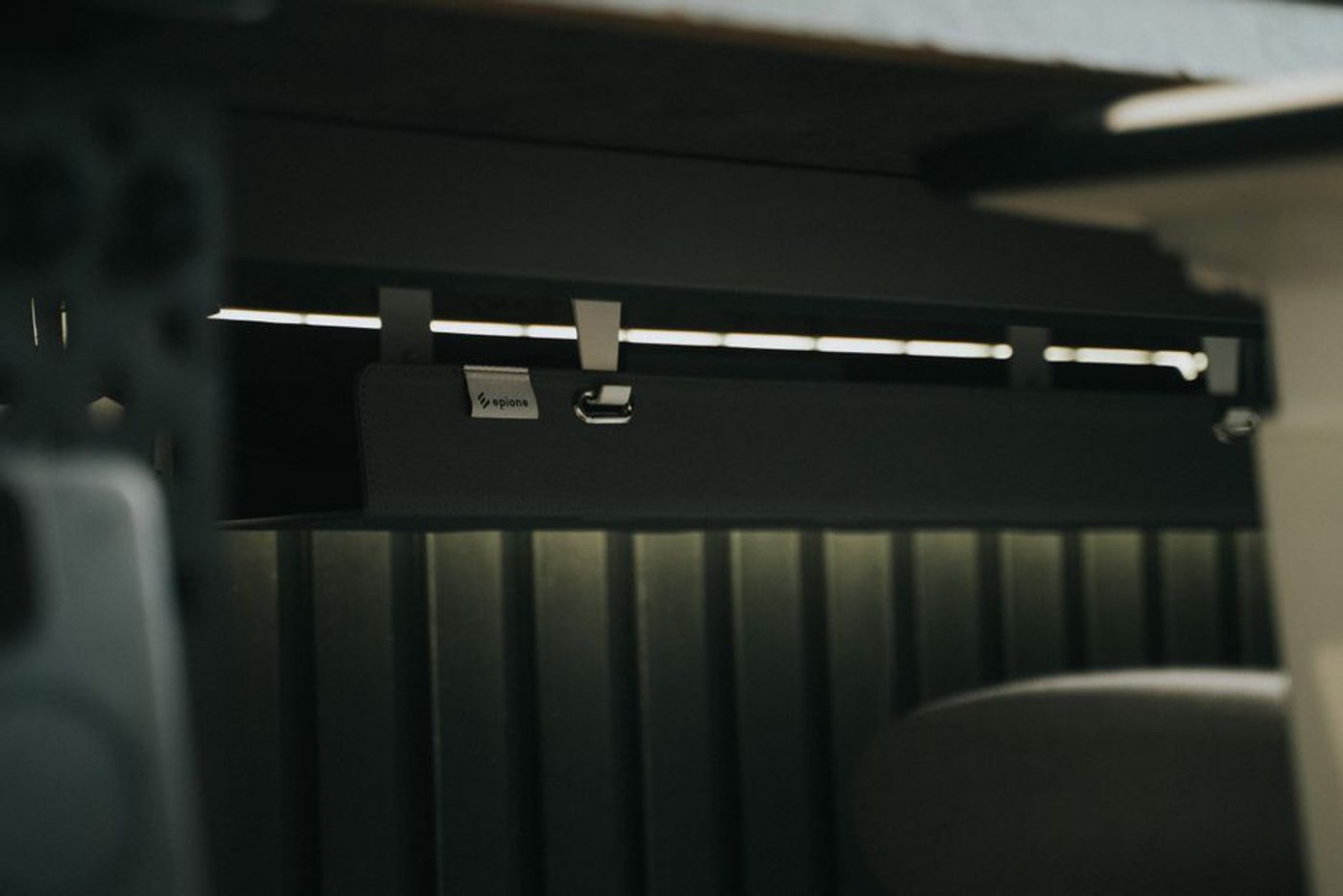
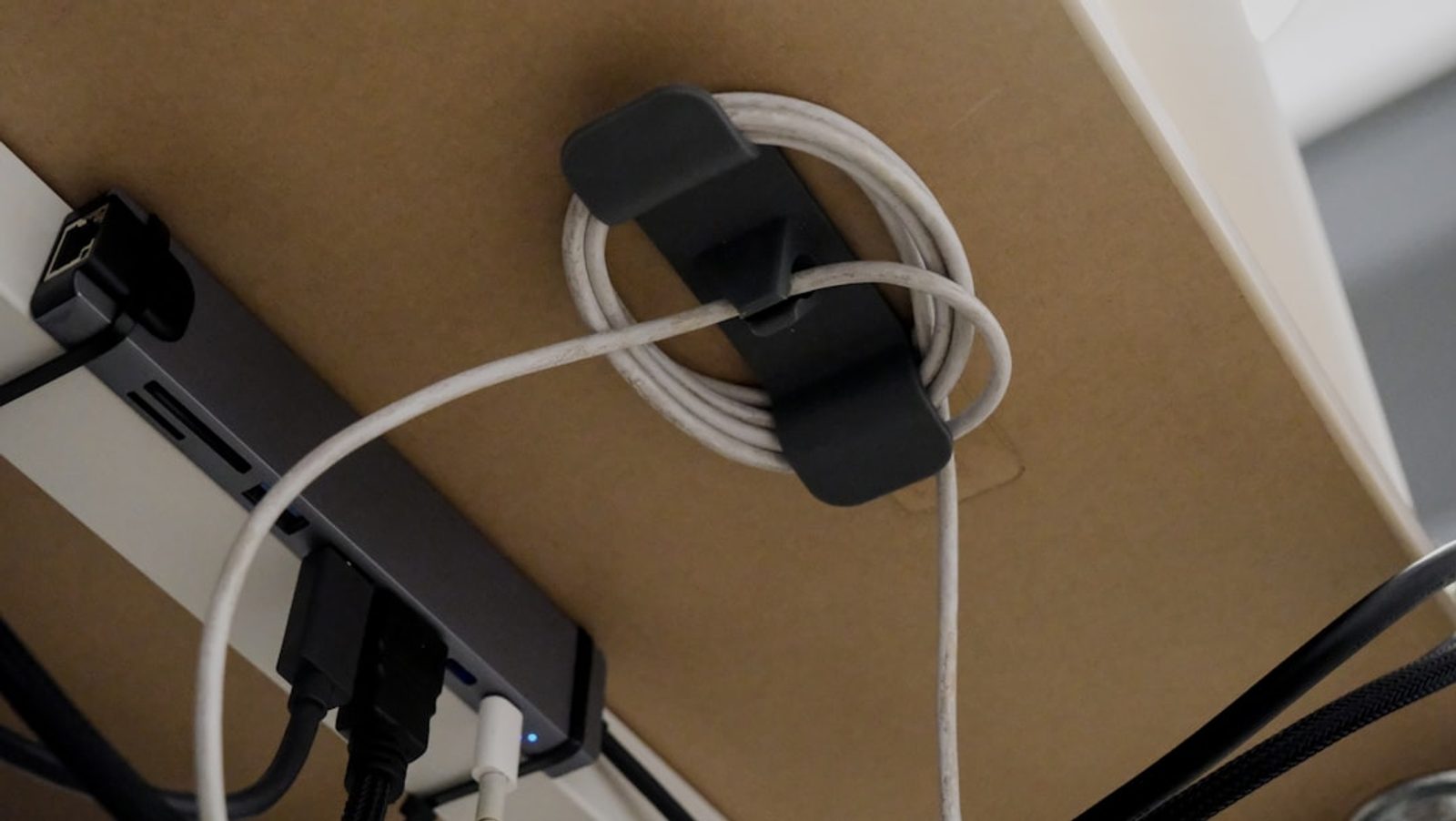
Instead, place it underneath the desk using removable mounting solutions, adhesive cable trays, or simple under-desk baskets.
The goal isn't perfection.
The goal is reducing what you can see from a normal sitting position.
Use the Back Edge of the Desk
One of the easiest cable management strategies requires no special equipment.
Route cables along the back edge of the desk where they naturally disappear from view.
Most people spend their day looking at the front of the workspace.
Anything hidden behind the monitor or along the rear edge becomes dramatically less noticeable.
Small adhesive clips are often enough to keep cables in place.
The DeskCurated Principle: Hide What Doesn't Need Attention
At DeskCurated, we don't think cable management is about achieving a showroom-perfect desk.
It's about reducing visual noise.
Every visible cable competes for a small amount of attention.
Most cables perform an important function.
They just don't need to be part of the visual experience.
Our principle is simple:
Hide what doesn't need attention.
Protect the View From Your Chair
One mistake many people make is inspecting cable management from standing height.
That's not where the workspace is experienced.
Sit in your chair.
Look at the workspace from your normal working position.
What cables can you actually see?
Those are the cables worth addressing first.
Everything else is often a lower priority than people think.
Good Cable Management Should Feel Invisible
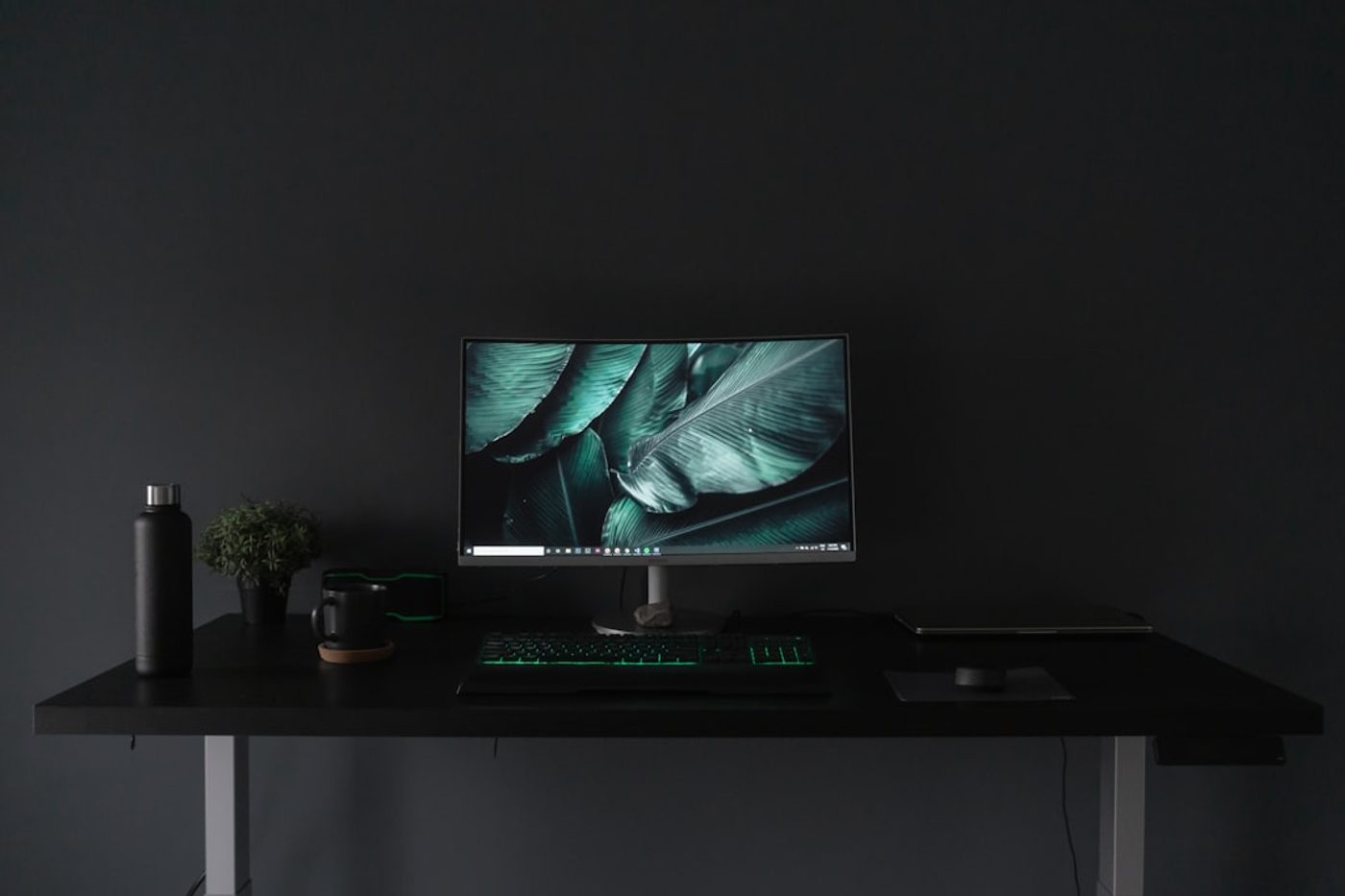
The best cable management projects rarely attract attention.
Nobody walks into a room and immediately compliments hidden cables.
What they notice instead is a workspace that feels calmer.
Cleaner.
More intentional.
That's usually a sign that the cable management is working.
The Real Takeaway
You don't need to drill holes, replace furniture, or create a complicated system to hide desk cables.
Most improvements come from a handful of simple decisions.
Reduce the number of cables.
Move power sources out of sight.
Route cables behind the workspace.
Focus on what you can actually see from your chair.
Good cable management isn't about creating a perfect workspace.
It's about creating one that lets the work stay in focus.
Related Reading
Continue Reading
FAQ
How can I hide desk cables without drilling?
Use adhesive cable clips, removable cable trays, under-desk baskets, and route cables along the back edge of the desk.
What is the easiest cable management improvement?
Moving the power strip out of sight is often the single change that creates the biggest visual improvement.
Do I need expensive cable management products?
No. Many cable management improvements can be achieved with basic adhesive clips, cable sleeves, and better workspace planning.