Workspace Design
Single vs Dual Monitors: Which One Helps You Focus?
Dual monitors promise more productivity. Single monitors promise fewer distractions. The better choice depends on the type of work you're actually trying to do.
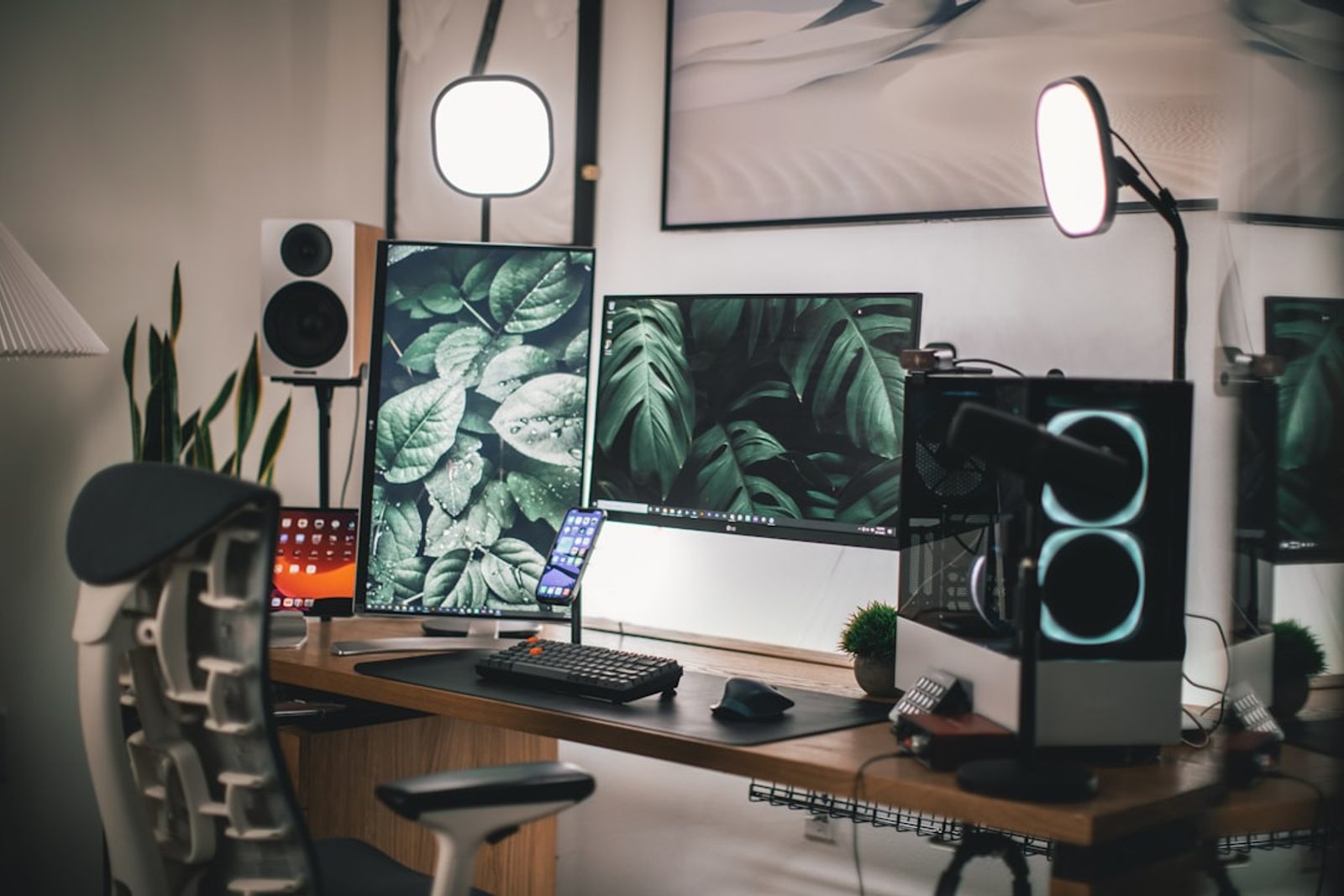
A few years ago, I was convinced that two monitors would make me more productive.
Every workspace photo online seemed to suggest the same thing.
More screens meant more efficiency.
More windows visible at once.
Less switching between tasks.
So I bought a second monitor.
At first, it felt like an upgrade.
A few months later, I noticed something unexpected.
I was looking at more things.
But I wasn't necessarily focusing on them better.
The Productivity Argument for Dual Monitors
There's a reason dual monitor setups became popular.
For certain types of work, they genuinely help.
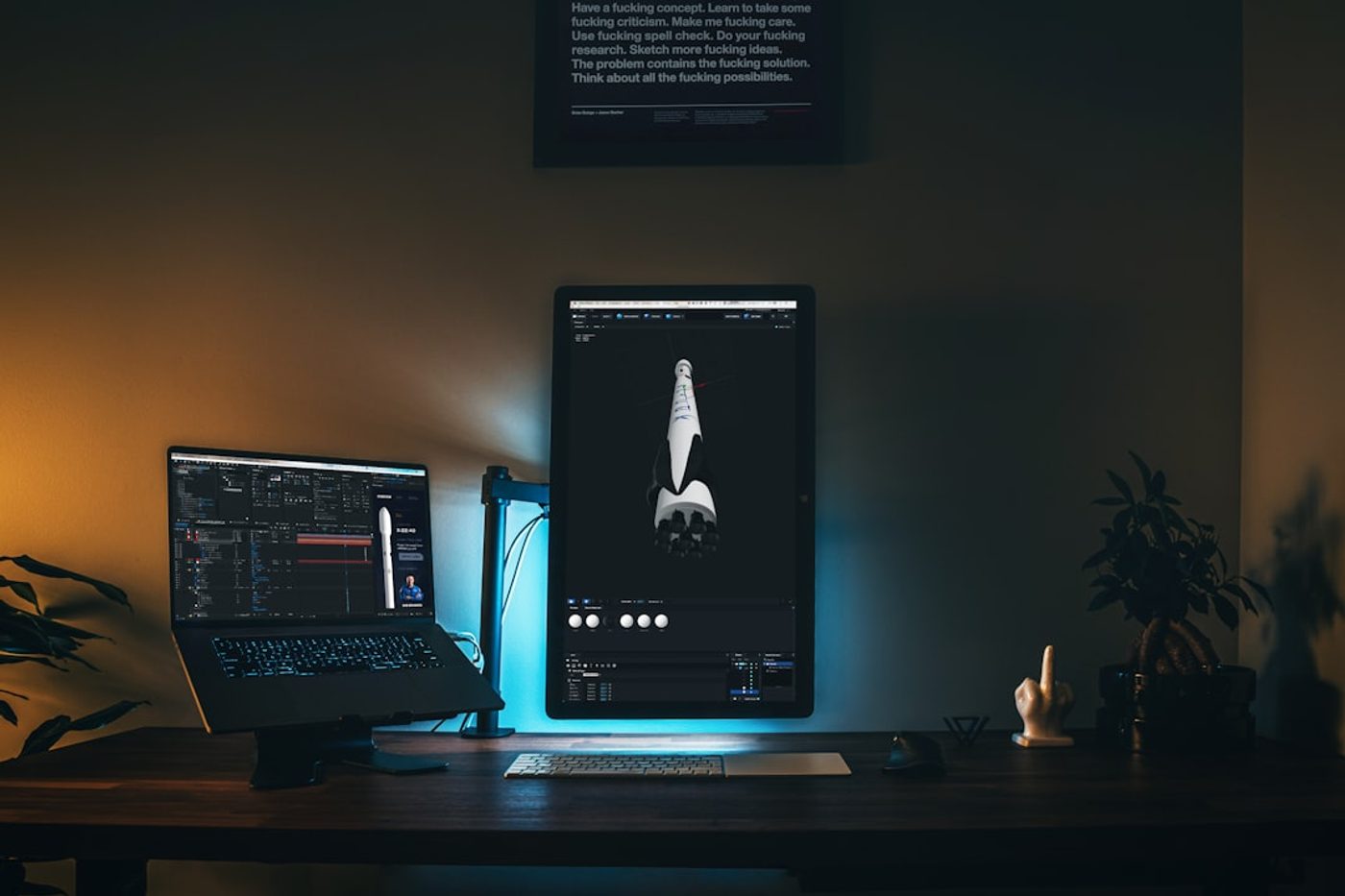
Developers often keep code on one screen and documentation on another.
Designers may compare references while working.
Financial analysts frequently monitor multiple information sources simultaneously.
In these situations, a second monitor reduces context switching.
Instead of constantly opening and closing windows, information remains visible.
That's a legitimate productivity advantage.
The Focus Argument for Single Monitors
But focus works differently than productivity.
Deep work often benefits from constraints.
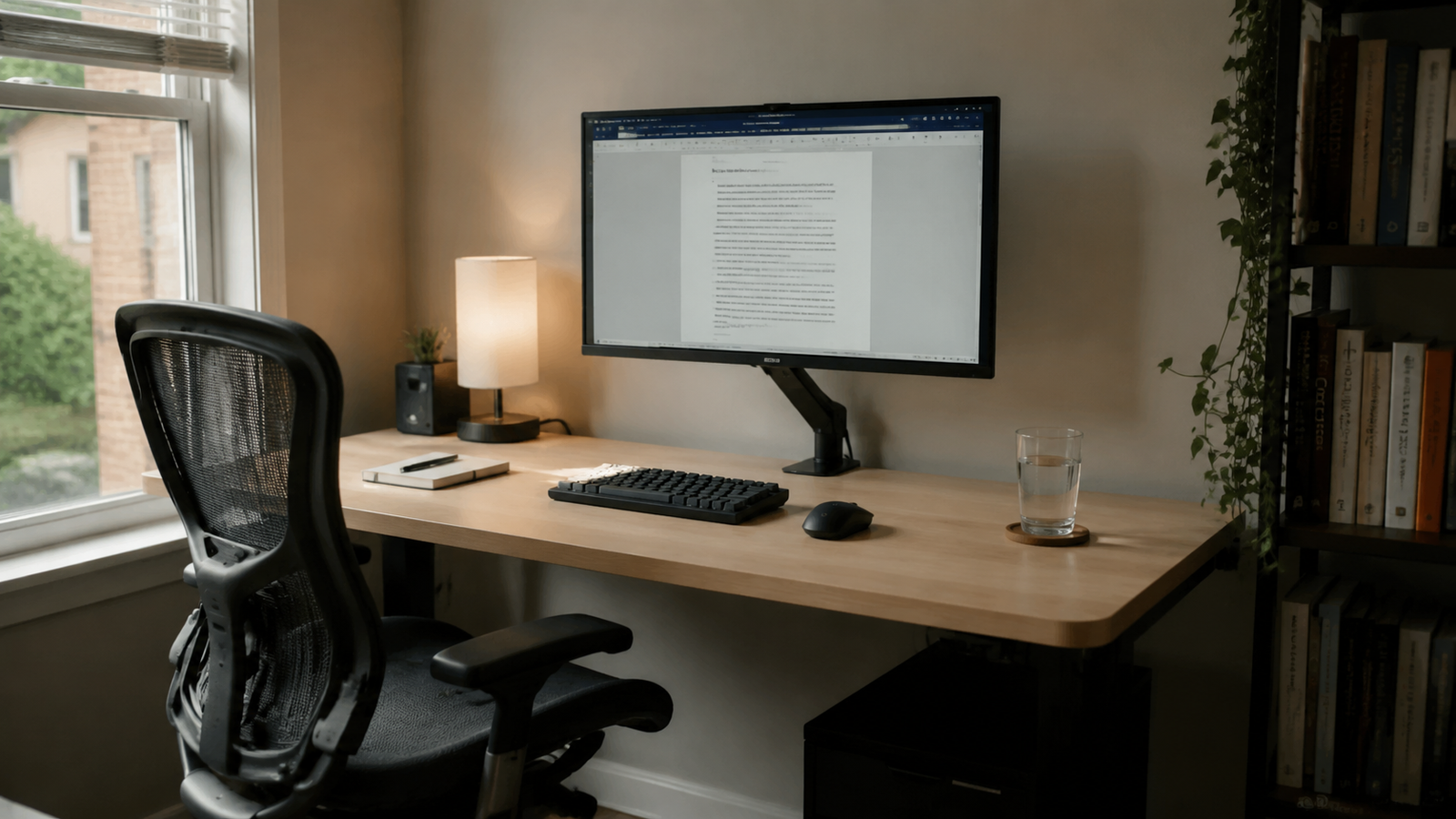
One screen naturally limits how many things can compete for attention.
You can't keep six windows visible at once.
You can't constantly glance at a secondary display.
The workspace encourages concentration because there are fewer places for your attention to go.
This is one reason many writers, researchers, and knowledge workers eventually return to a single monitor setup.
Not because it's technically superior.
Because it often feels calmer.
What I Noticed After Switching Back
After spending a long period using dual monitors, I experimented with removing one.
The first thing I noticed wasn't productivity.
It was visual simplicity.
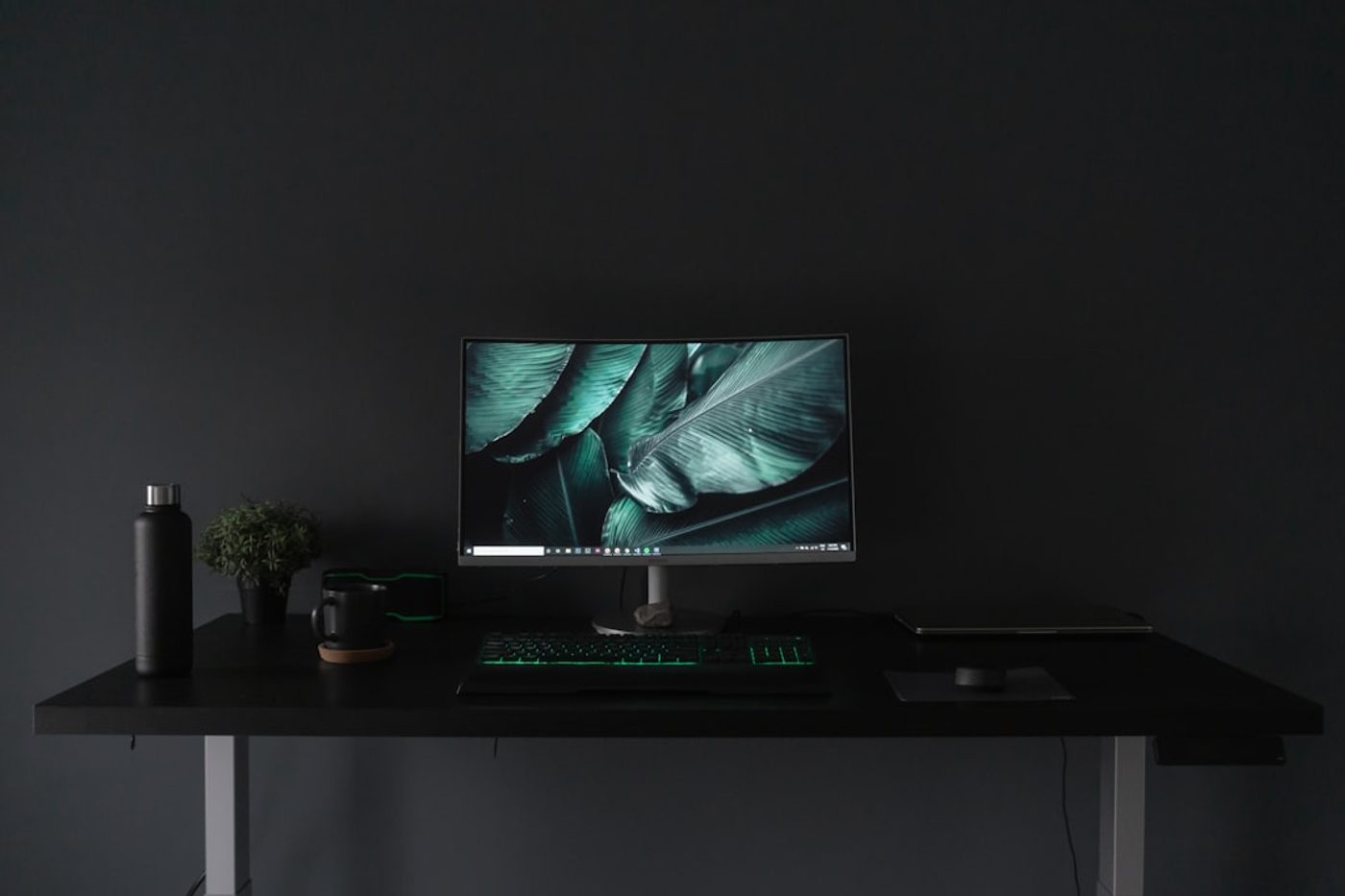
The desk immediately felt cleaner.
There was more open space.
Cable management became easier.
The workspace felt less like a command center and more like a place to think.
The DeskCurated Principle: Match the Setup to the Work
At DeskCurated, we don't believe there is one perfect monitor setup.
We believe the workspace should match the work.
If your job requires multiple sources of information visible at all times, a dual monitor setup may be the right tool.
If your work depends on concentration, writing, reading, strategy, or creative thinking, a single monitor often provides a cleaner environment.
The goal isn't maximizing screens.
The goal is supporting attention.
The Hidden Cost of a Second Monitor
A second monitor doesn't only consume desk space.
It consumes attention.
Every visible screen becomes another potential destination for your eyes.
Even when you're focused, the brain continues to process information from the surrounding environment.
That's why some people feel mentally lighter after simplifying their setup.
They haven't reduced capability.
They've reduced competition.
When We Recommend Dual Monitors
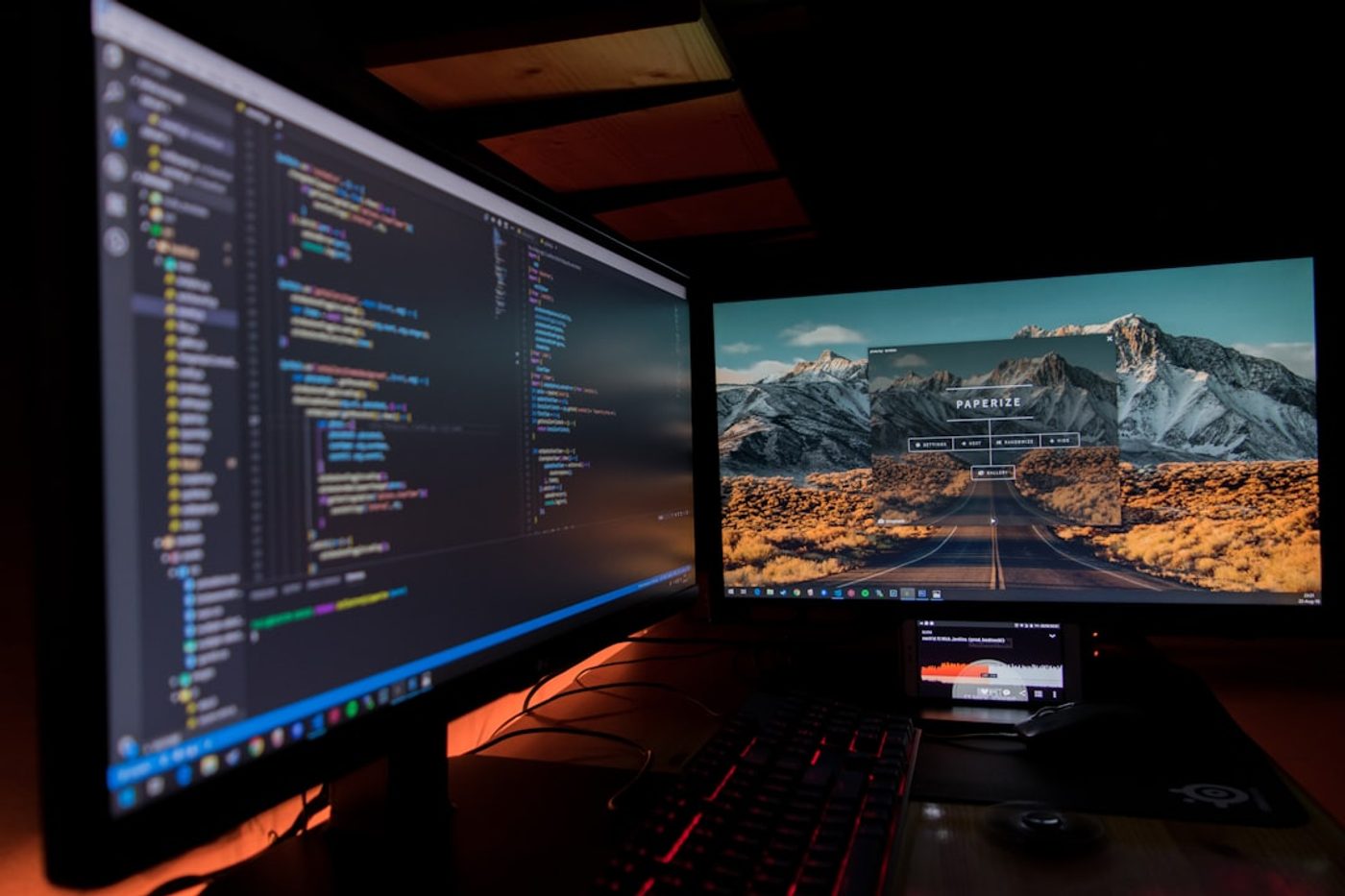
- Software development with documentation open simultaneously
- Video editing timelines and previews
- Financial analysis and data monitoring
- Research-heavy workflows
- Frequent multitasking between multiple applications
In these cases, dual monitors can genuinely reduce friction and improve workflow efficiency.
When We Recommend a Single Monitor
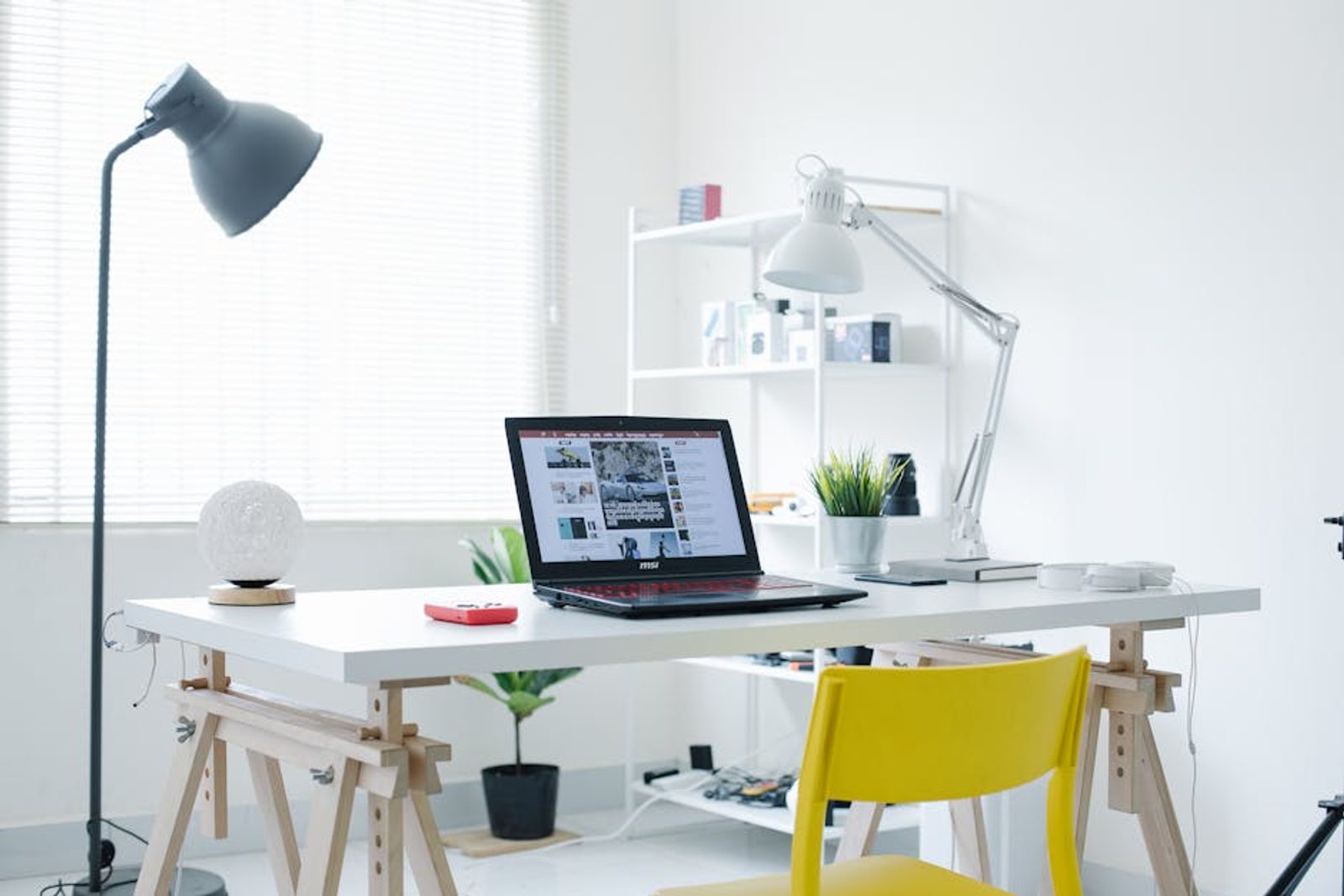
- Writing and editing
- Reading and research
- Strategy and planning work
- Creative thinking
- People who struggle with distractions
A single monitor setup often encourages deeper concentration and creates a cleaner workspace experience.
The Real Takeaway
The internet often treats monitor setups like a competition.
More screens. More productivity.
But productivity and focus are not always the same thing.
For some workflows, dual monitors are absolutely worth it.
For others, a single monitor creates a calmer, more intentional environment.
The best setup isn't the one with the most screens.
It's the one that helps you pay attention to the work that matters.
Related Reading
Continue Reading
FAQ
Is a dual monitor setup better for productivity?
It depends on the work. Dual monitors can improve efficiency for multitasking, development, research, and data-heavy workflows.
Does a single monitor help with focus?
Often yes. A single monitor limits distractions and can create a calmer workspace that supports deep work and concentration.
Should I choose a single or dual monitor setup?
Choose based on your workflow. If you constantly reference multiple sources, dual monitors may help. If your work depends on sustained focus, a single monitor is often the better choice.