This setup wasn't designed to fit the most gear. It was designed to stay comfortable after eight hours of real work.. A compact workspace optimized for long work sessions through better layout, comfort, lighting, and reduced visual clutter.
Setup
A Compact Workspace for Long Workdays
This setup wasn't designed to fit the most gear. It was designed to stay comfortable after eight hours of real work.
Gear list
| Category | Product | Notes | Link |
|---|
Most desk setups look great for five minutes.
The real test happens five hours later.
That's when small annoyances start becoming noticeable.
A keyboard that sits too high.
A monitor that's slightly off-center.
A desk that feels crowded by lunch.
A workspace doesn't need to survive a photo.
It needs to survive a workday.
Designed Around Hours, Not Minutes
This setup started with a simple question.
What makes a workspace feel comfortable at 4 PM, not just 9 AM?
The answer wasn't more equipment.
It was removing friction.
The less energy spent adjusting the workspace, the more energy remains for actual work.
The Desk Stays Surprisingly Empty
Many compact workspaces become crowded because every accessory seems useful.
Over time, useful turns into permanent.
Permanent turns into clutter.
This setup takes the opposite approach.
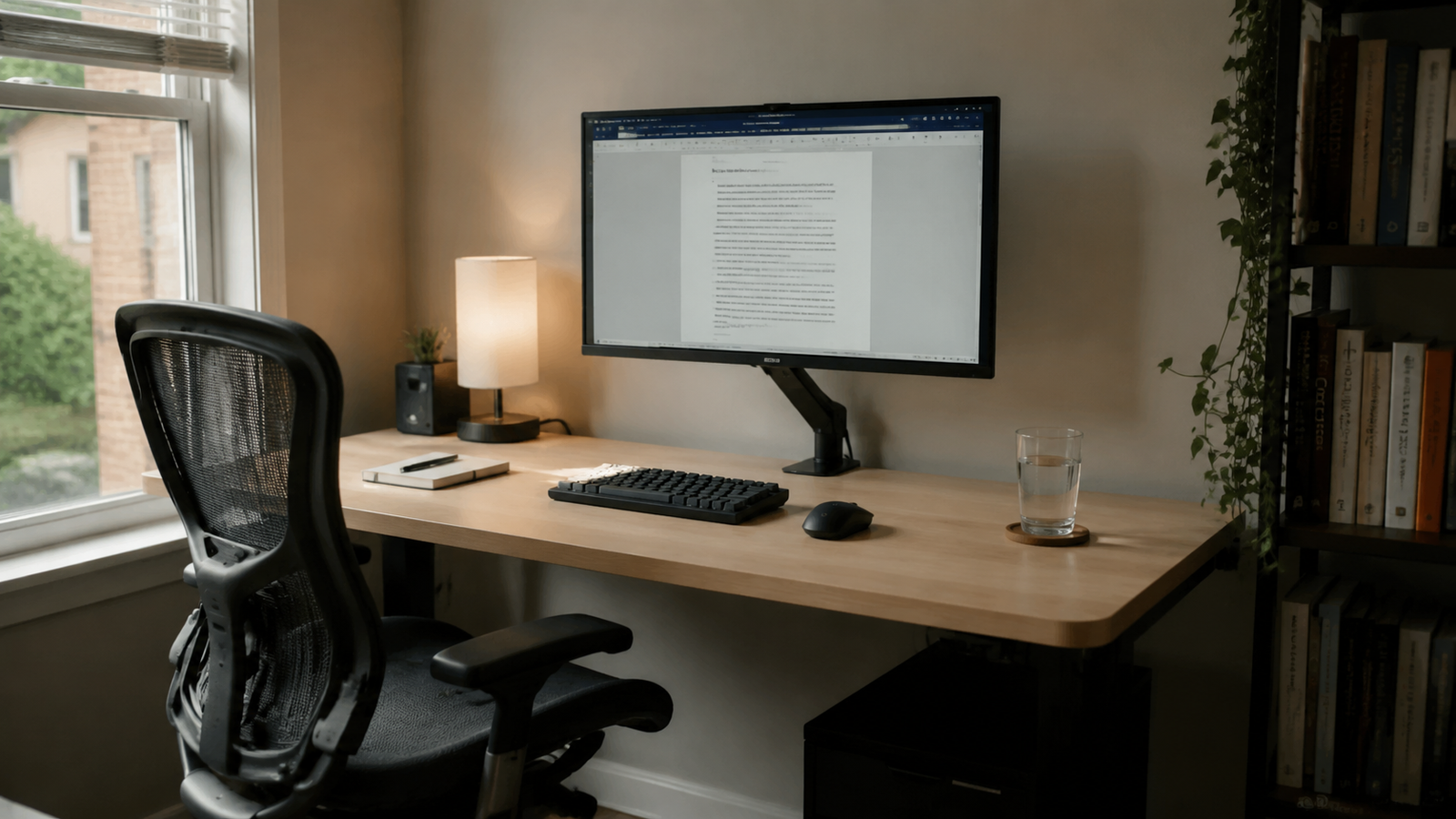
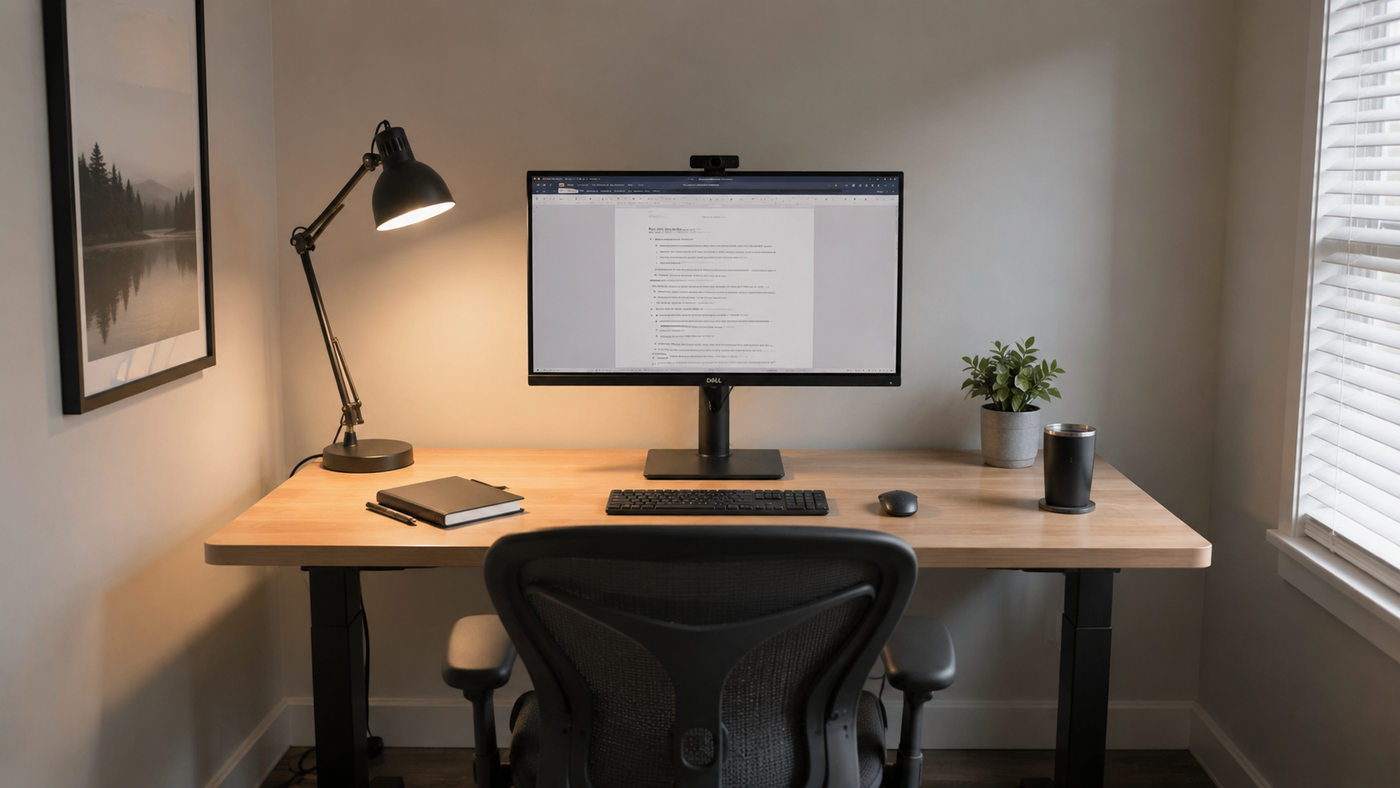
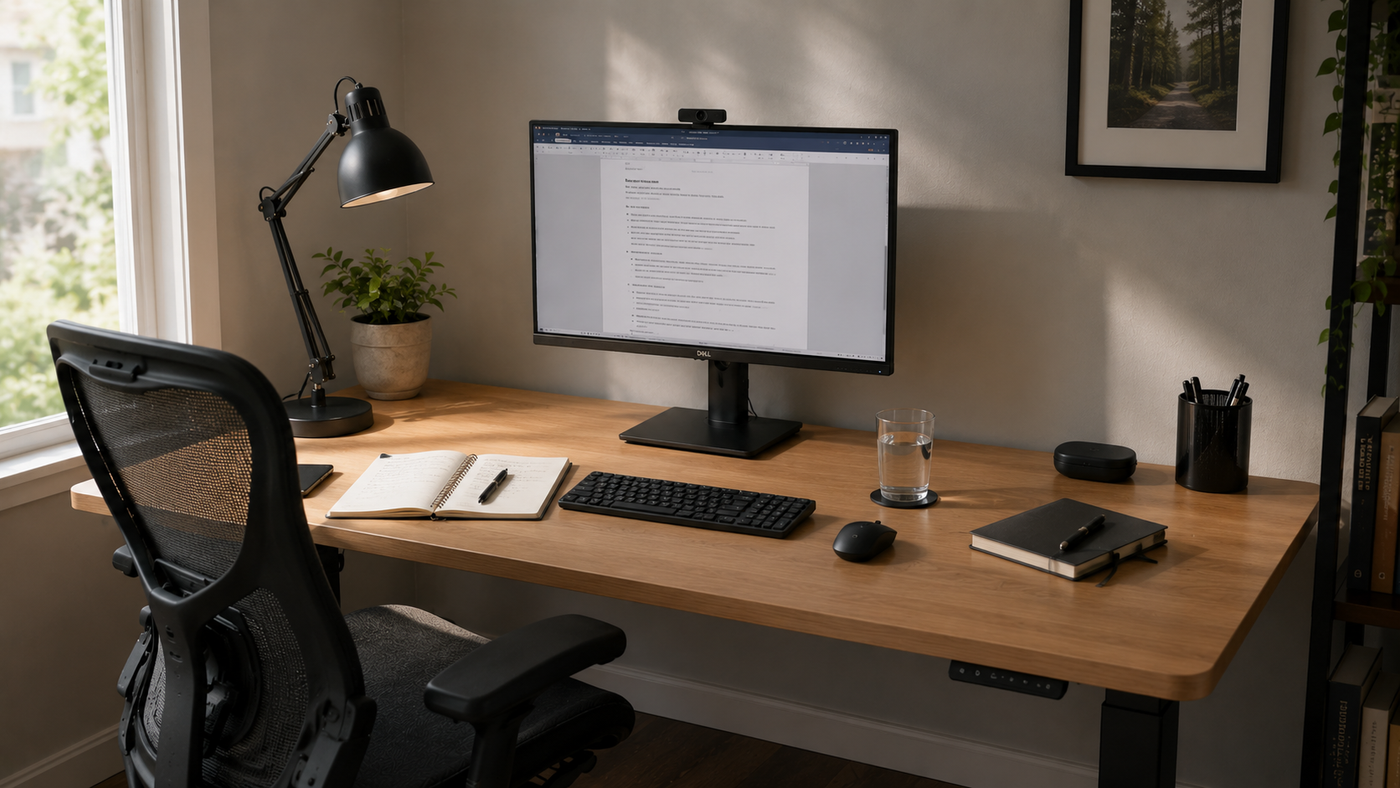
Only daily-use items remain visible.
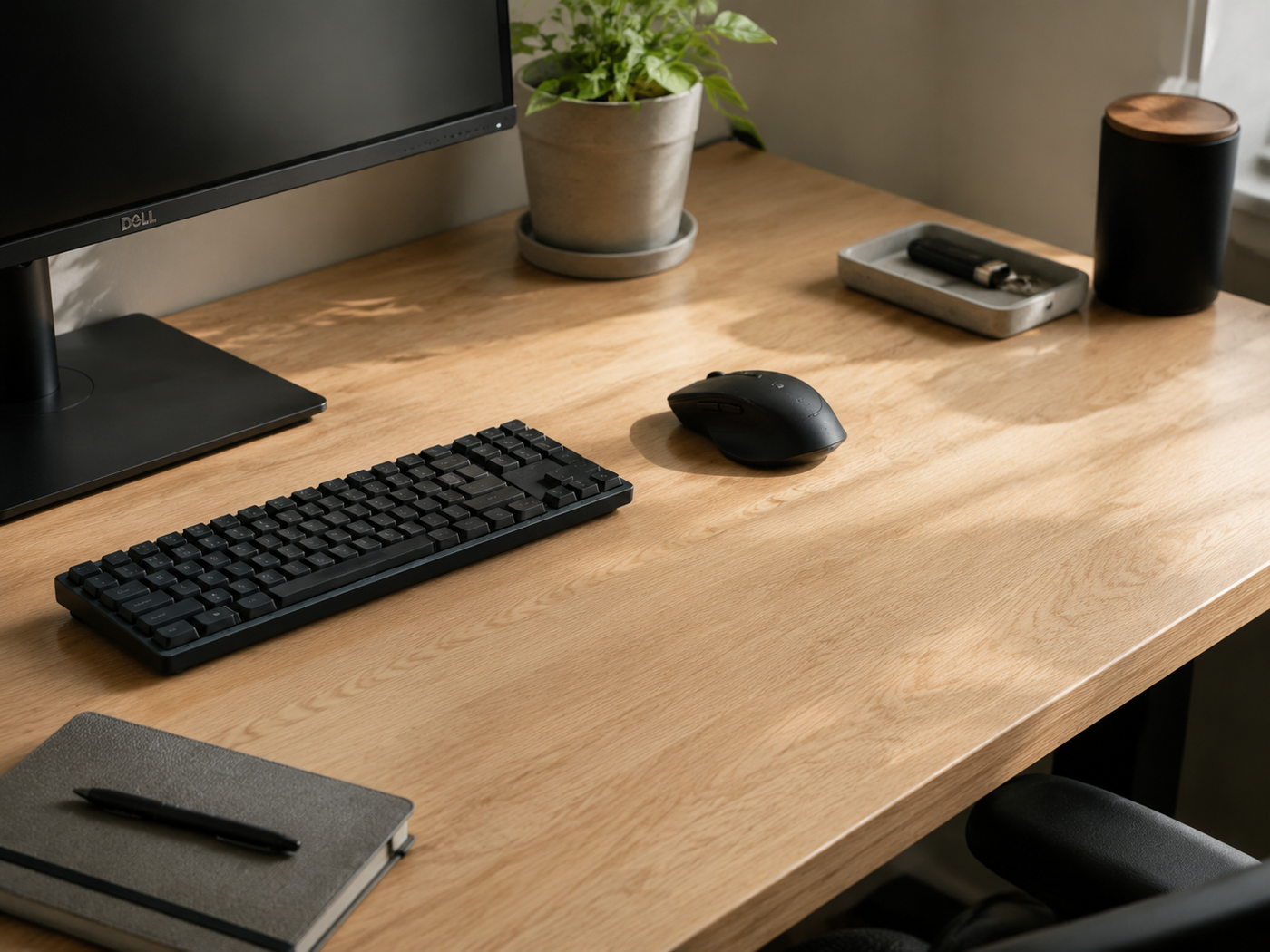
The center of the desk stays open, allowing the workspace to adapt throughout the day.
Comfort Comes From Layout
One thing I've learned from long workdays is that discomfort is usually cumulative.
Rarely does a workspace fail because of one major problem.
Instead, dozens of tiny inconveniences slowly drain focus.
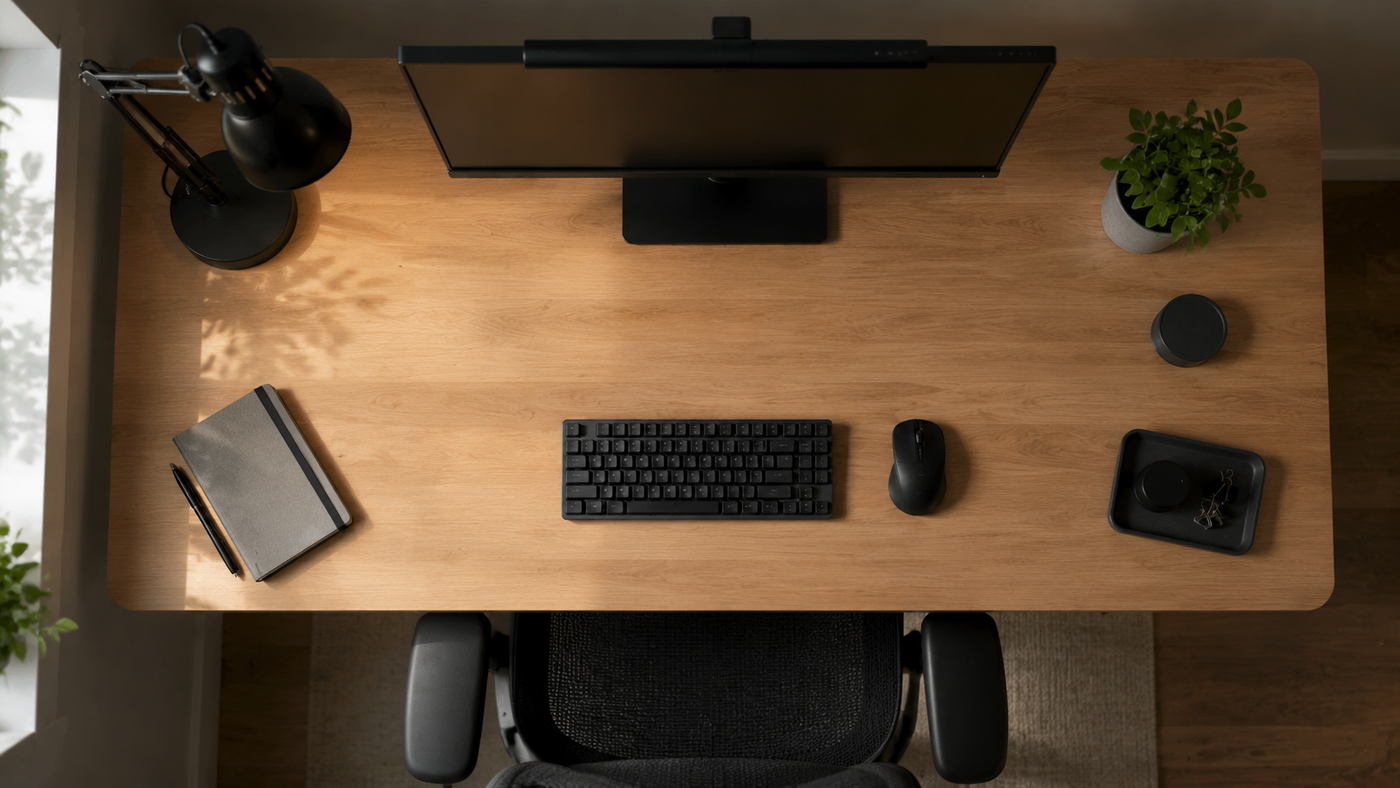
- Frequently used tools remain within reach.
- The monitor sits directly in front of the user.
- The keyboard stays centered.
- Open space remains available for notebooks and documents.
Nothing about the layout feels innovative.
That's exactly why it works.
Lighting Matters More Than Another Upgrade
Many people look for productivity upgrades when the real issue is comfort.
Lighting is often a perfect example.
A workspace with poor lighting feels exhausting long before the work itself becomes difficult.
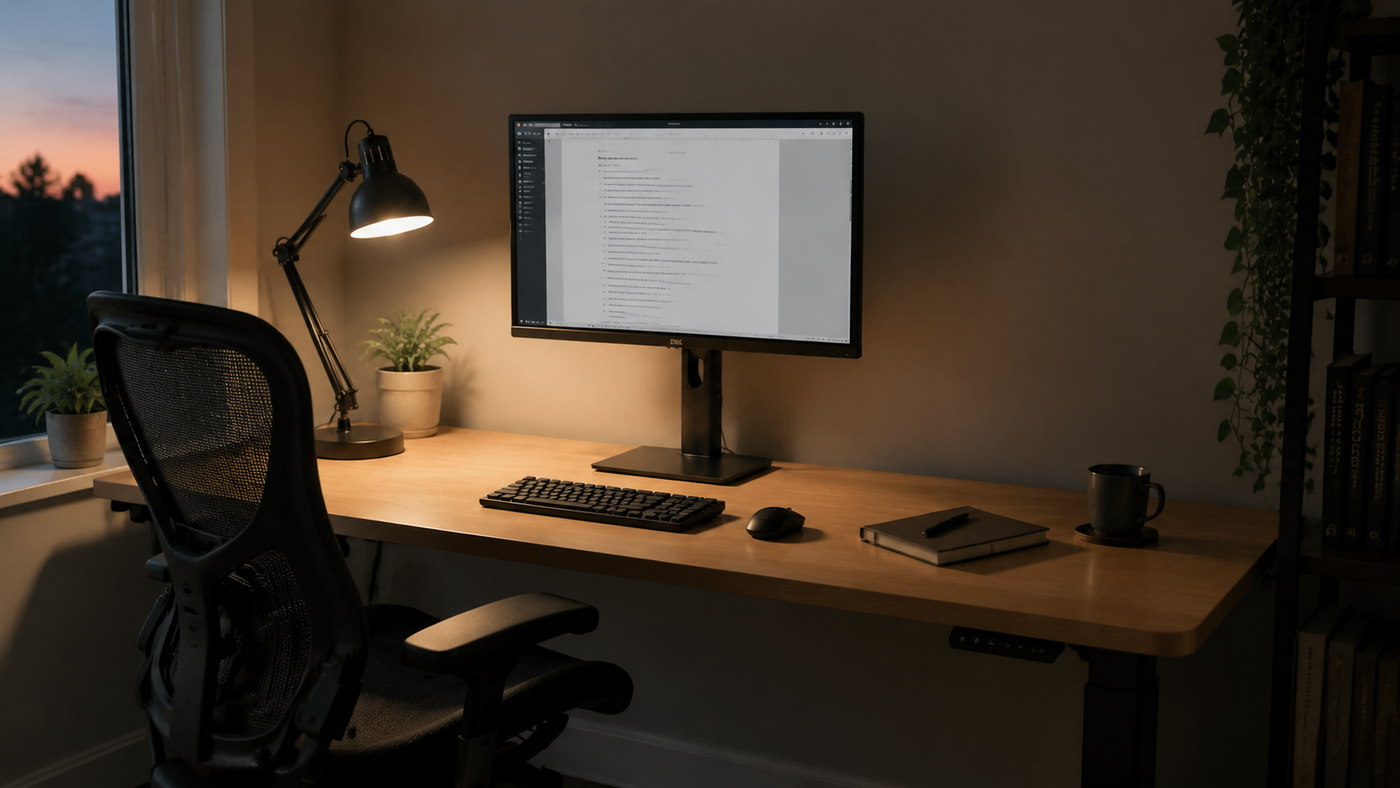
This setup uses soft ambient light combined with focused task lighting to keep visual strain low during extended sessions.
Visual Quiet Helps Mental Focus
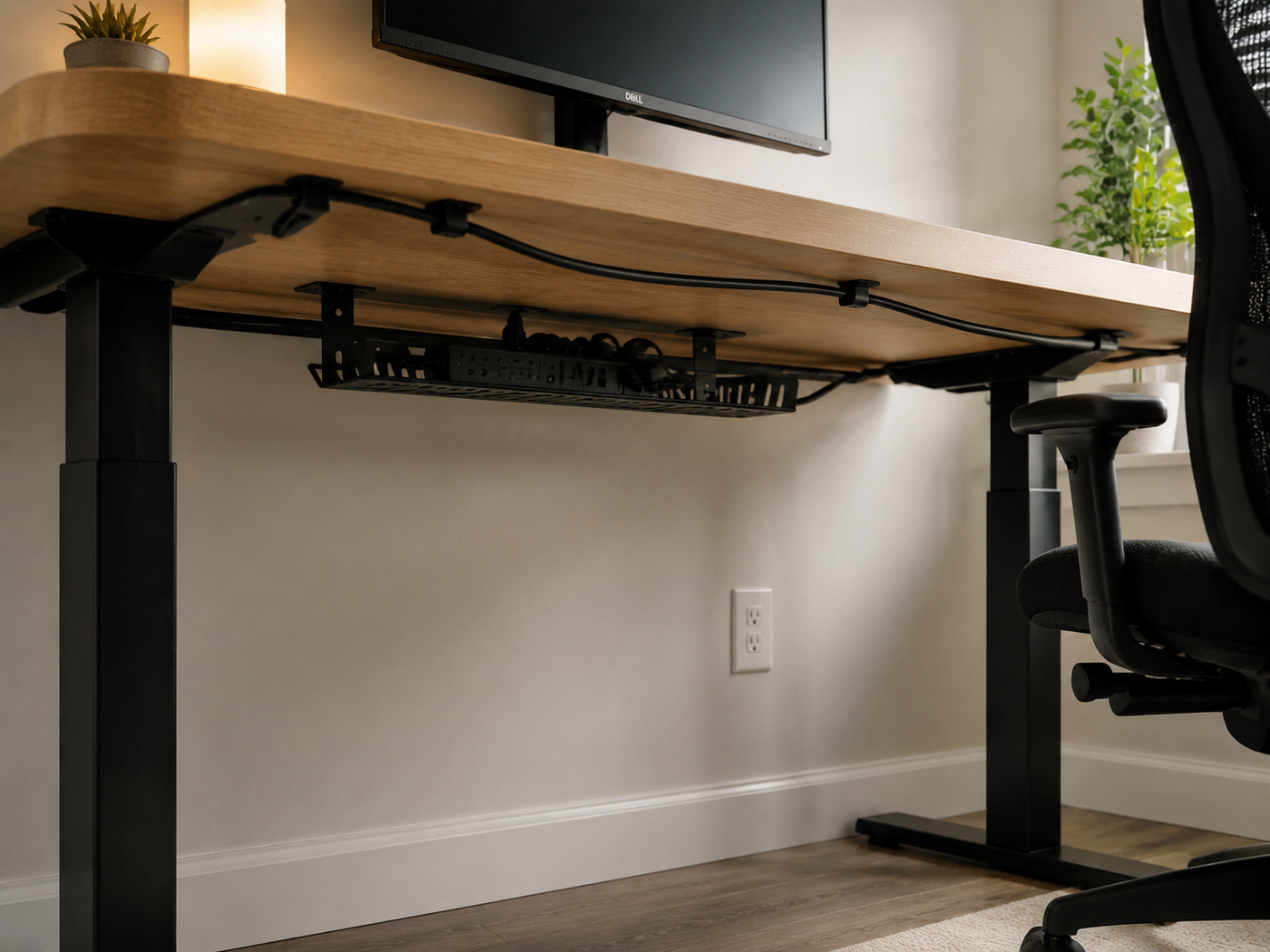
One unexpected benefit of a compact workspace is that it forces decisions.
There simply isn't room for everything.
As a result, only important items stay.
The desk feels calmer.
And a calmer desk often leads to calmer thinking.
Who This Setup Is For
- Remote workers
- Developers
- Writers
- Designers
- Students
- Anyone spending six or more hours at a desk each day
It's particularly useful for people who value comfort and consistency more than collecting new gear.
The Takeaway
The best workspace for long workdays isn't necessarily the largest.
It isn't the most expensive either.
It's the one that quietly disappears once work begins.
After a few minutes, you're no longer thinking about the desk.
You're thinking about the work.
That's what this setup was built to do.
Related Reading