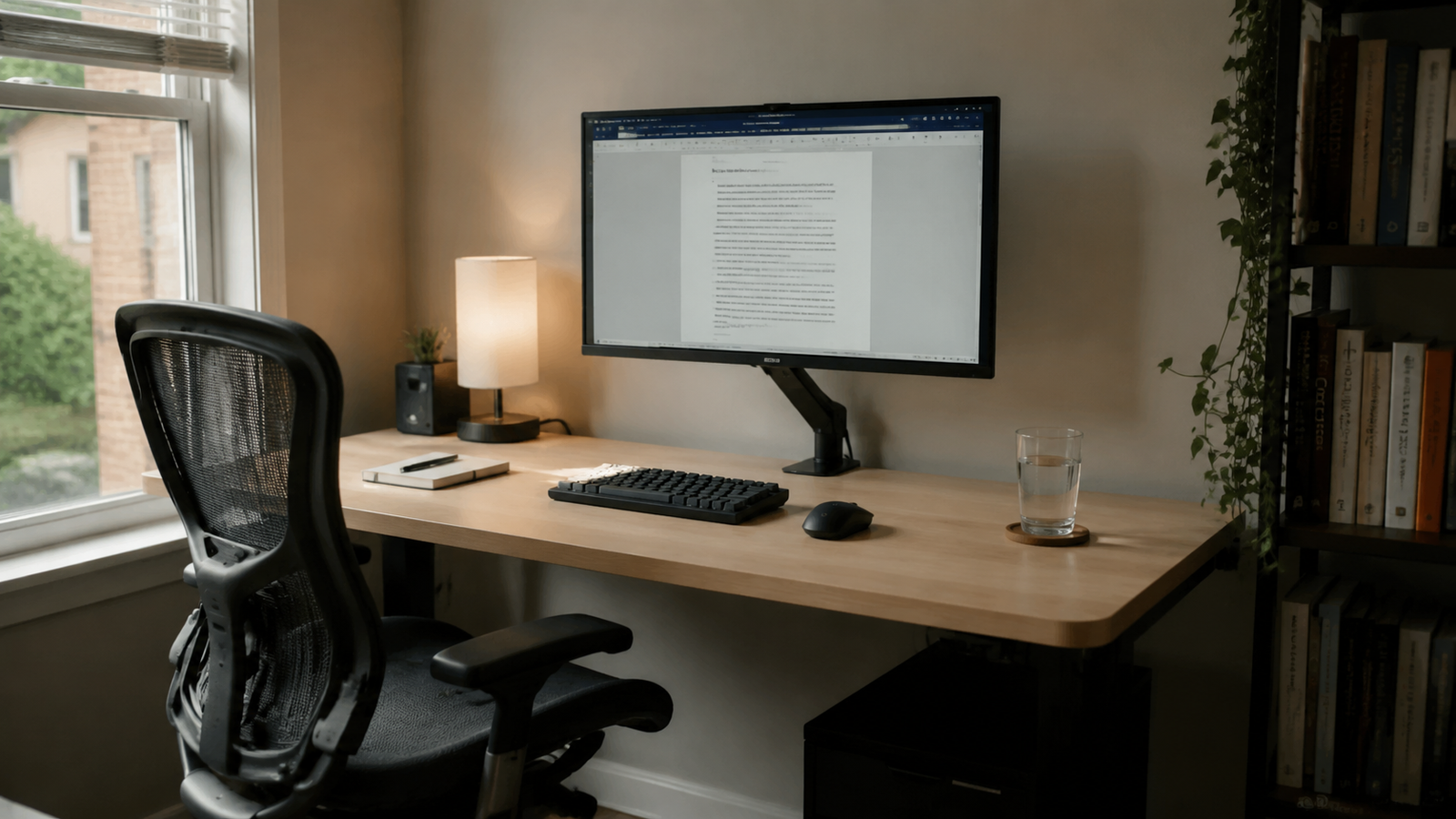
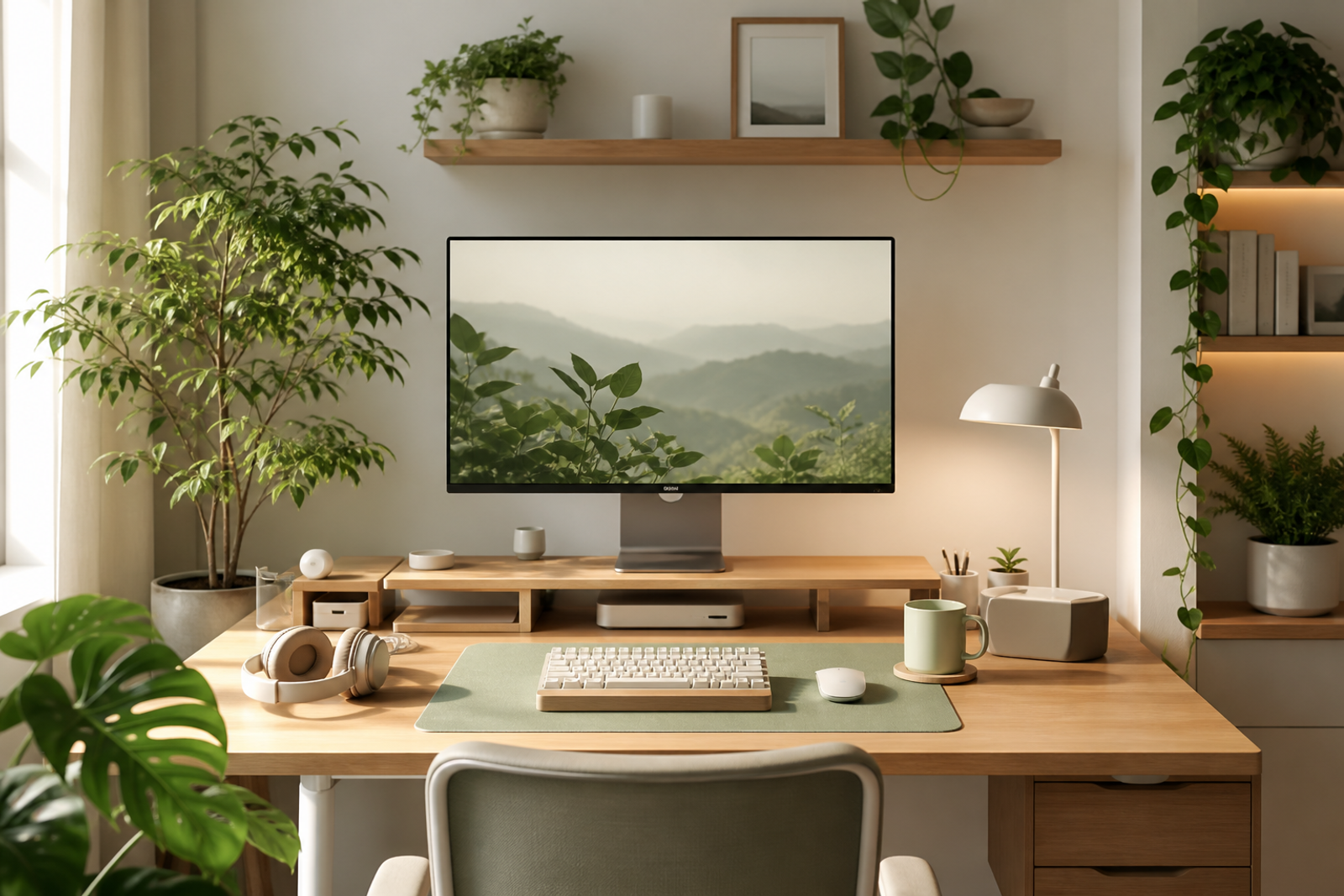
A focused one-monitor setup with a light wood surface, quiet accessories, and just enough greenery.guoziqi. This setup keeps the main work area simple: one external display, a compact keyboard, a large desk mat, and a laptop dock hidden behind the monitor. The goal is to make coding feel quiet and repeatable instead of visually busy.
Setup
Minimal Developer Desk Setup
A focused one-monitor setup with a light wood surface, quiet accessories, and just enough greenery.guoziqi
Gear list
| Category | Product | Notes | Link |
|---|
Workspace story
This setup keeps the main work area simple: one external display, a compact keyboard, a large desk mat, and a laptop dock hidden behind the monitor. The goal is to make coding feel quiet and repeatable instead of visually busy.
Why this setup works
Lighting notes
A small task lamp gives enough evening light without making the desk feel staged. Natural daylight keeps the light wood surface warm during the day.
Cable management notes
The power strip sits under the desk and a single USB-C cable runs to the laptop. Velcro ties keep monitor and light cables bundled along the monitor arm.
Budget alternatives
Related Reading
Continue Reading

More to explore