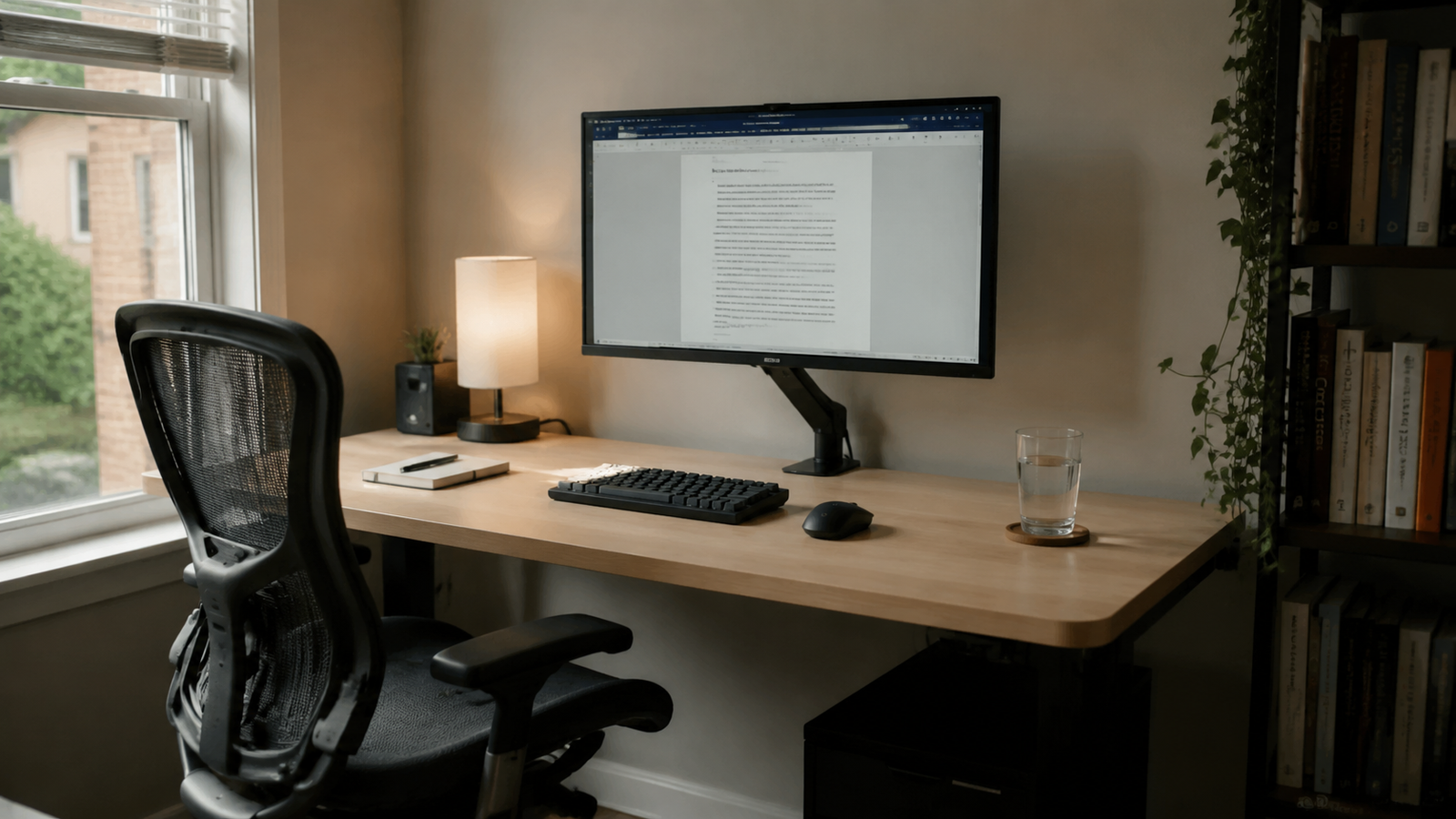
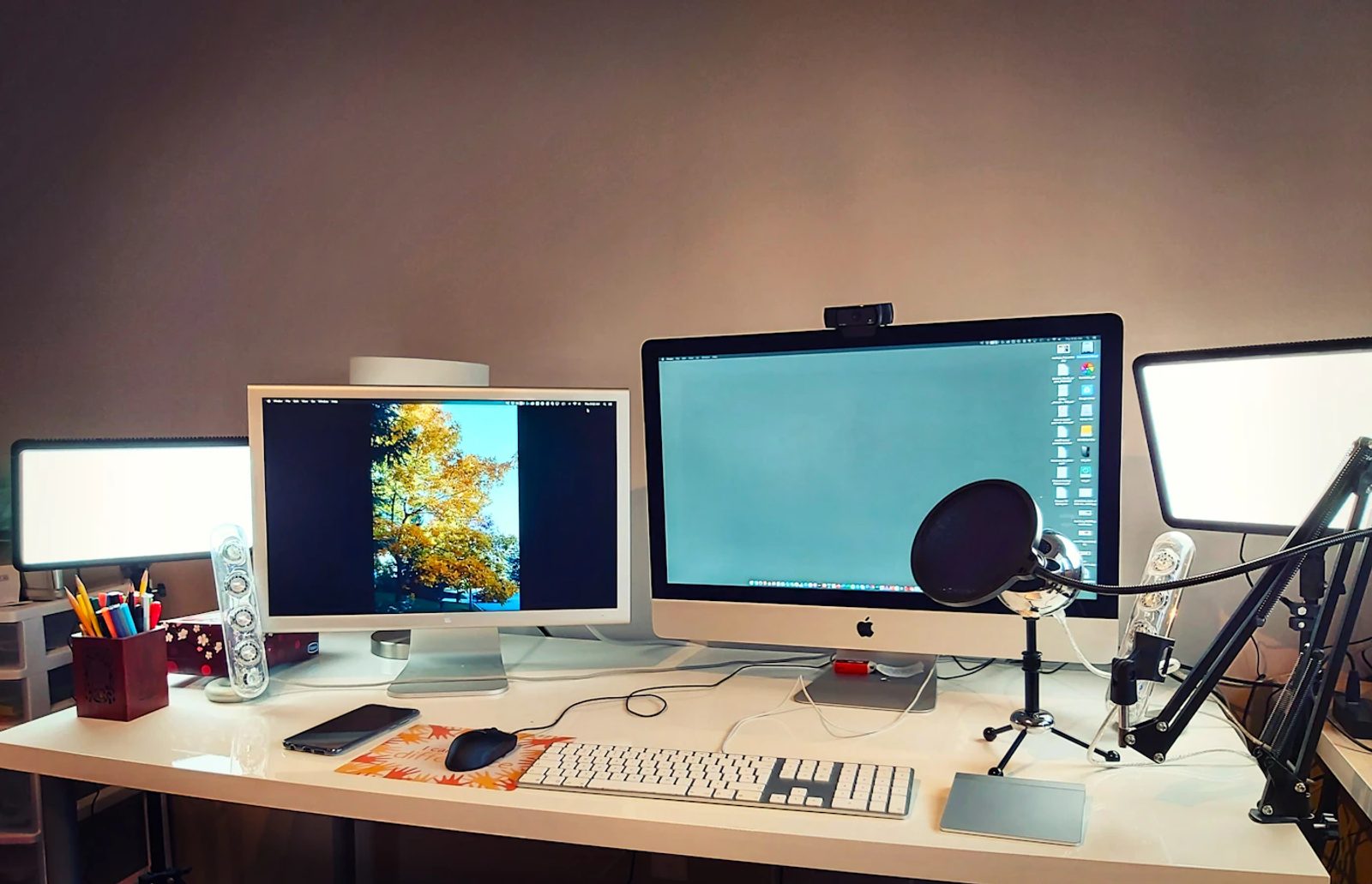
A low-light two-screen workstation for developers who need code, previews, logs, and chat visible.. This setup uses a dark desk mat, black accessories, and warm backlighting to keep two screens from feeling harsh. The second display is angled for documentation, previews, logs, or chat.
Setup
Dark Dual Monitor Desk Setup
A low-light two-screen workstation for developers who need code, previews, logs, and chat visible.
Gear list
| Category | Product | Notes | Link |
|---|
Workspace story
This setup uses a dark desk mat, black accessories, and warm backlighting to keep two screens from feeling harsh. The second display is angled for documentation, previews, logs, or chat.
Why this setup works
Lighting notes
Bias lighting behind the monitors prevents the screens from becoming the only bright objects in the room.
Cable management notes
A wide cable tray is useful because two monitors create extra power and display cable length.
Budget alternatives
Related Reading