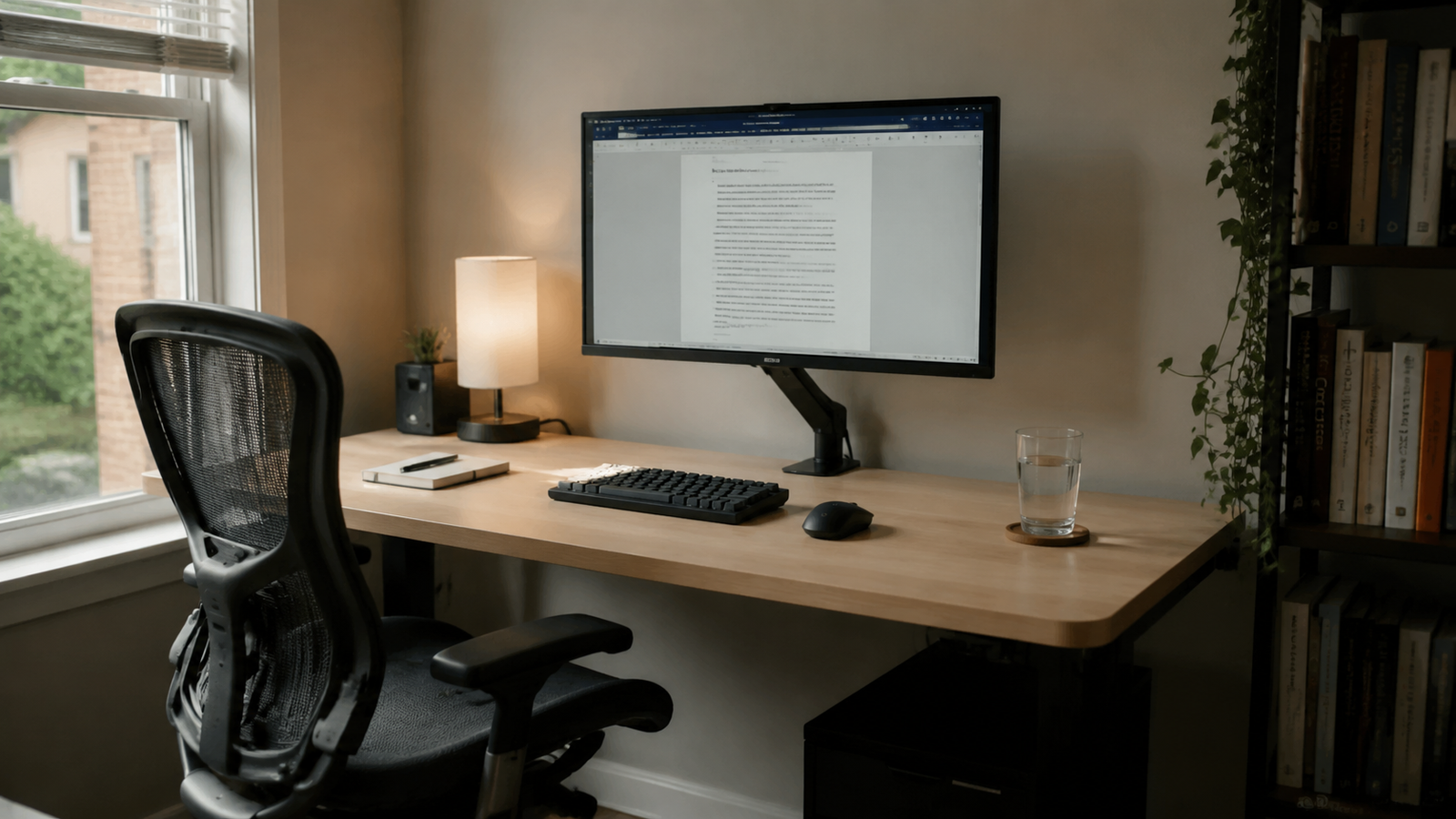

A clean workstation focused on under-desk cable routing, accessible power, and easy future upgrades.. This setup treats cable management as part of the desk, not an afterthought. Power, display cables, and charging leads have assigned routes, while daily cables remain easy to reach.
Setup
Cable Management Desk Setup
A clean workstation focused on under-desk cable routing, accessible power, and easy future upgrades.
Gear list
| Category | Product | Notes | Link |
|---|
Workspace story
This setup treats cable management as part of the desk, not an afterthought. Power, display cables, and charging leads have assigned routes, while daily cables remain easy to reach.
Why this setup works
Lighting notes
Use a neutral light that helps with maintenance and makes it easy to see ports and cable paths.
Cable management notes
Mount a tray near the rear edge, bundle cables by destination, and leave small service loops near moving monitor arms.
Budget alternatives
Related Reading