Workspace Organization
Cable Management for People Who Hate Cable Management
You don't need a perfect setup to improve cable management. If you hate organizing cables, a few simple changes can eliminate most of the visual clutter with very little effort.
I'll be honest.
I've never enjoyed cable management.
Some people seem to genuinely love spending an afternoon wrapping cables, labeling everything, and posting before-and-after photos online.
I am not one of those people.
What I wanted was a desk that looked cleaner without turning cable management into a weekend project.
After trying dozens of workspace setups, I discovered something surprising.
Most cable problems can be solved with about twenty percent of the effort people think they require.
The Problem Isn't the Cables
When people talk about cable management, they usually focus on individual cables.
The charging cable.
The monitor cable.
The power cable.
In reality, the biggest problem is visual clutter.
A workspace feels messy when cables become part of what you see all day.
The goal isn't perfect cable management.
The goal is making cables disappear from your attention.
Start With One Question
Before buying anything, sit in your chair and look at your workspace.
Ask yourself one question.
Which cables can I actually see while working?
That's it.
Not the cables behind the desk.
Not the cables hidden under furniture.
Just the ones that repeatedly enter your field of view.
Those are the cables worth solving first.
The Only Three Things Most People Need
The internet will happily convince you that cable management requires dozens of accessories.
Most workspaces improve dramatically with only three.
- A cable tray
- A few cable clips
- Ten minutes of attention
A cable tray hides the mess.
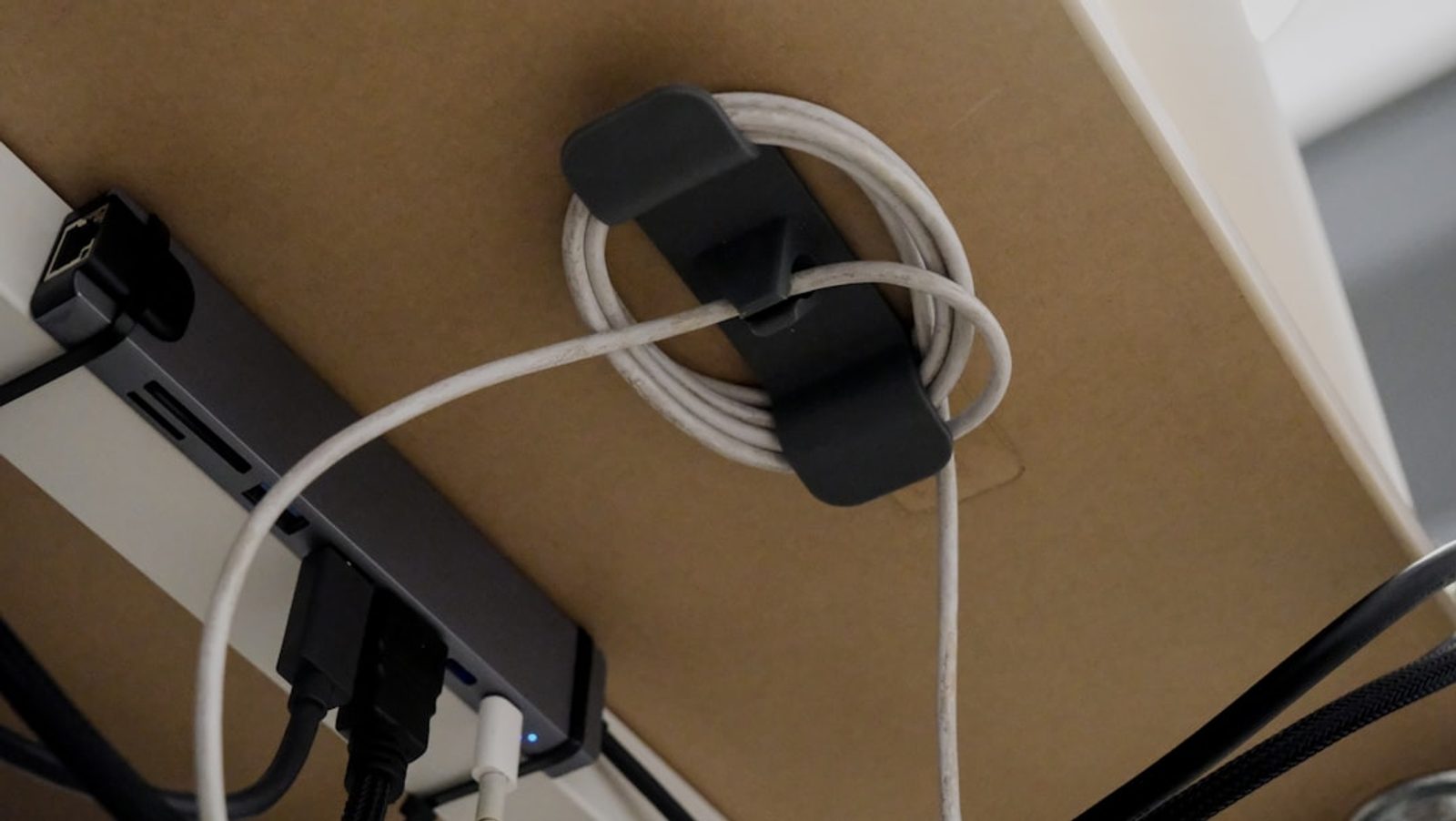
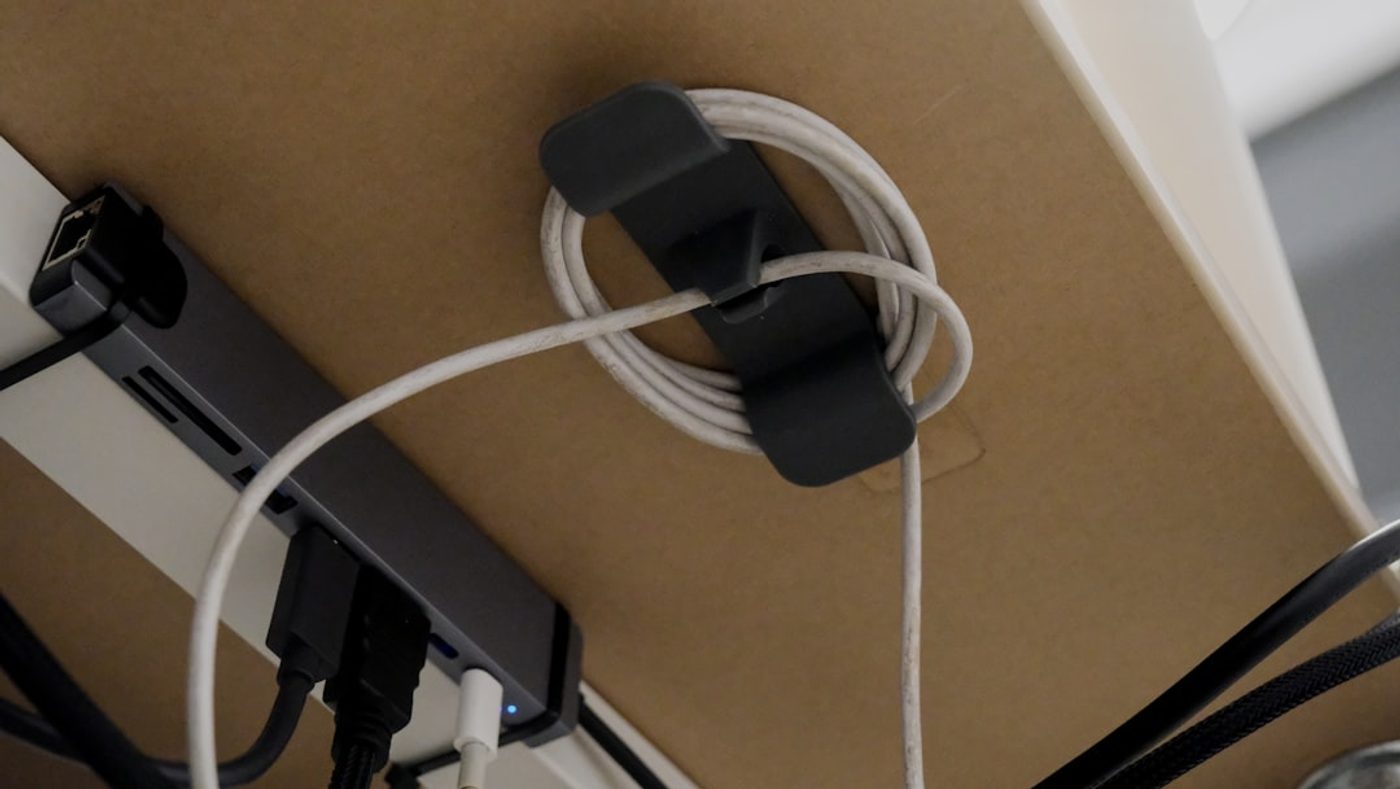
Cable clips guide the cables that remain visible.
The remaining work is mostly deciding where things belong.
Hide the Power Strip and You'll Solve Half the Problem
If I could only recommend one cable management improvement, this would be it.
Hide the power strip.
Power strips often become the central hub for visual chaos.
Every cable eventually leads back to them.
Move the power strip underneath the desk, inside a cable tray, or behind furniture, and the entire setup immediately looks cleaner.
It's the highest-return cable management change I've found.
The DeskCurated Principle: Hide What Doesn't Need Attention
At DeskCurated, we don't believe every cable needs to be perfectly organized.
That's often unnecessary.
Our principle is simpler.
Hide what doesn't need attention.
Most cables perform an important job.
They simply don't need to be part of the visual experience.
The cleaner the workspace feels, the easier it becomes to focus on work instead of the environment.
Good Enough Beats Perfect
One mistake I see repeatedly is people aiming for perfection.
They spend hours organizing every cable.
Then six months later, they buy a new device and the entire system falls apart.
A better approach is building a system that survives real life.
Something simple enough that you can maintain it without thinking about it.
Good cable management should support work.
It shouldn't become another hobby.

The Real Takeaway
If you hate cable management, that's probably a good thing.
It means you're looking for practical solutions rather than perfect ones.
Start by hiding the cables you actually see.
Use a cable tray to remove the biggest source of clutter.
Use a few cable clips to guide the rest.
Then stop.
Because the best cable management system isn't the one that looks perfect in a photo.
It's the one you never have to think about again.
Related Reading
Continue Reading

FAQ
What is the easiest way to improve cable management?
Hide the power strip, use a cable tray underneath the desk, and organize only the cables that remain visible during normal work.
Do I need a cable tray for desk organization?
Not always, but a cable tray is often the fastest way to hide multiple cables and reduce visual clutter.
Are cable clips worth using?
Yes. A few cable clips can guide frequently used cables and prevent them from falling behind the desk or creating visual distractions.