Desk Decor
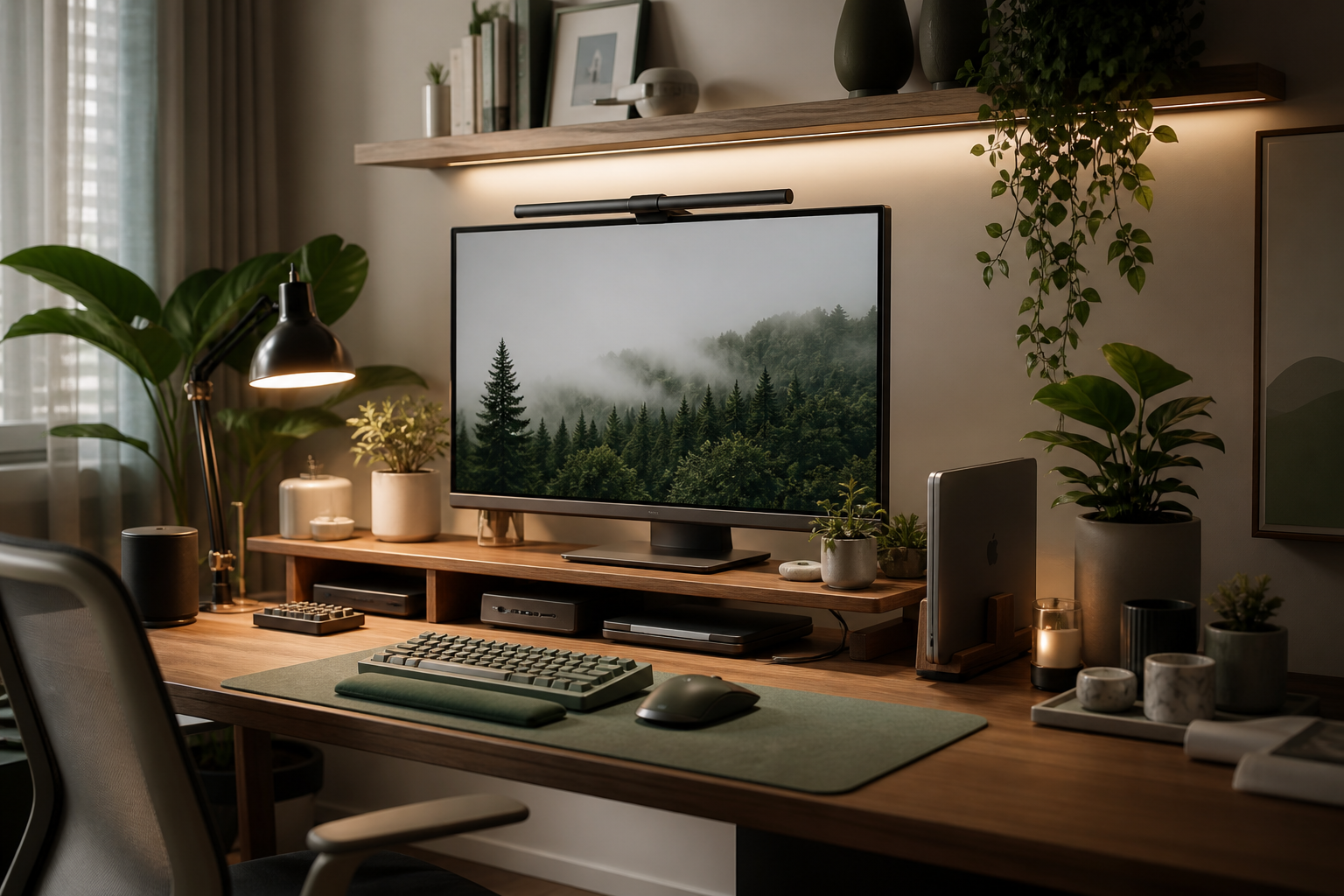
How to Decorate a Small Desk Without Clutter
Use plants, lamps, trays, and vertical storage without making a small desk harder to use.
Quick answer
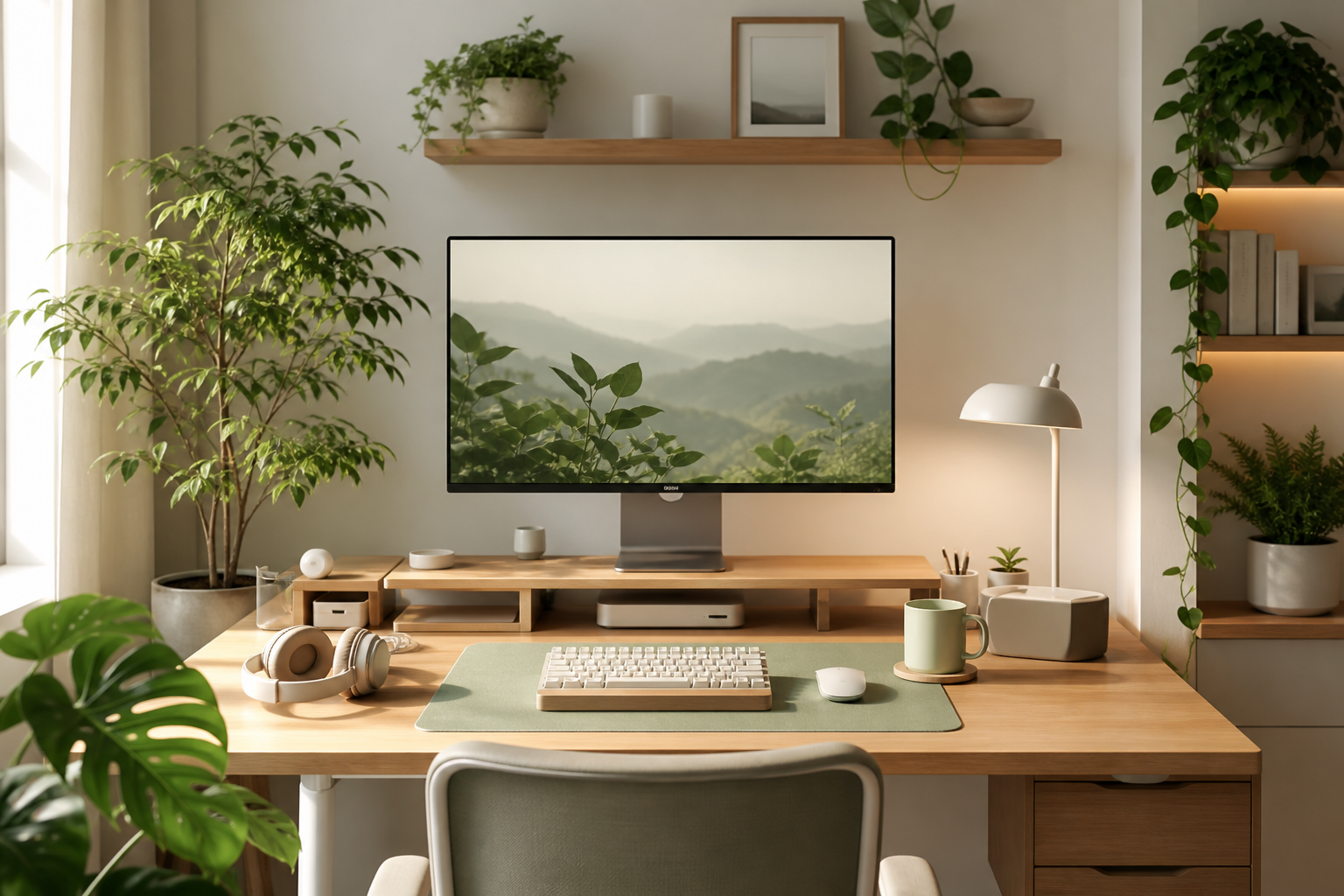
A good desk setup starts with a comfortable monitor height, reliable input devices, controlled cables, and lighting that makes the desk pleasant to use throughout the day.
Step-by-step setup
- Choose the main work position and center your primary screen there.
- Raise the monitor until your neck stays relaxed while reading.
- Keep the keyboard and mouse close enough that your shoulders do not reach forward.
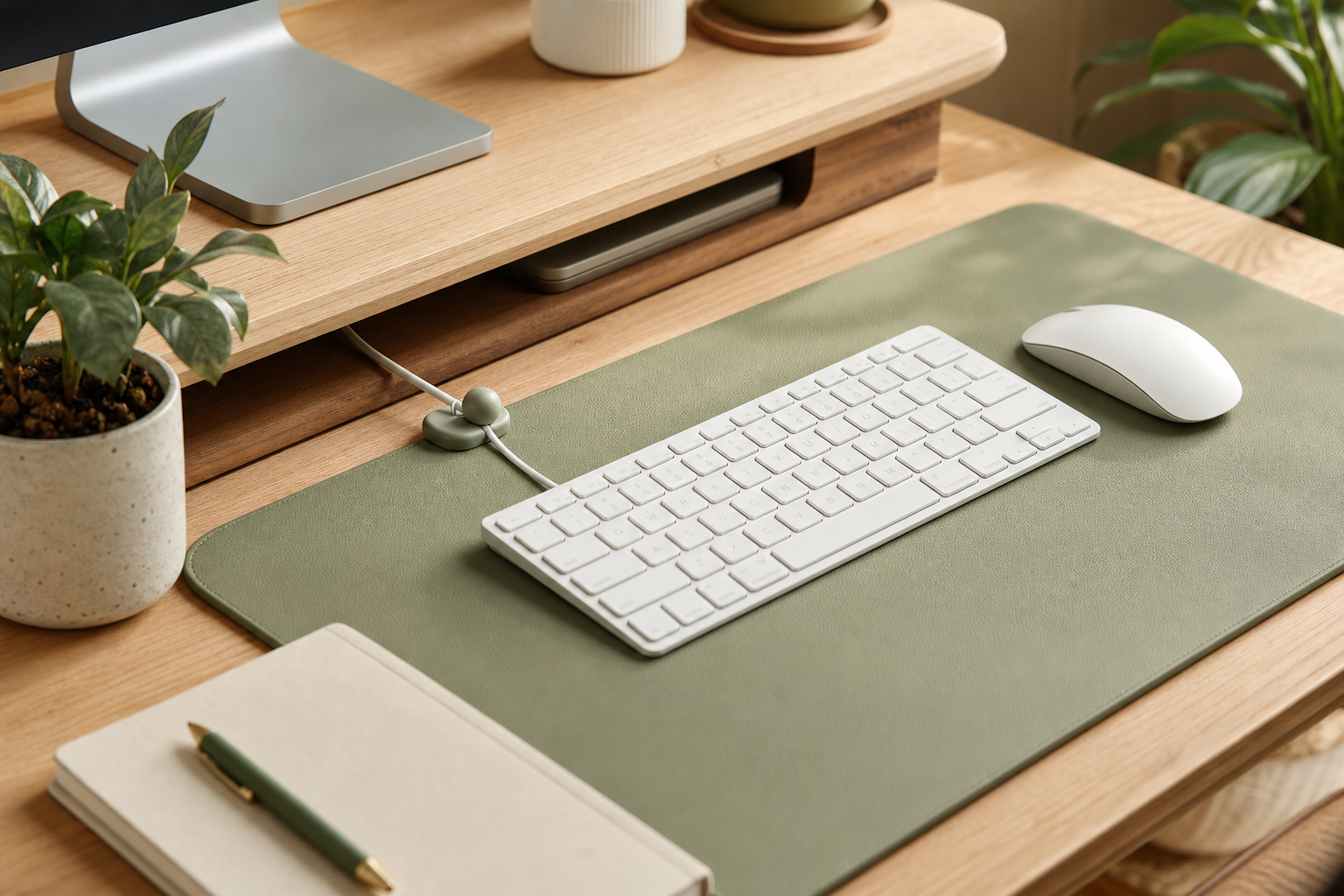
- Route power and display cables under the desk before adding decorative items.
- Add lighting last so it supports the finished layout instead of fighting it.
Product categories
The most useful categories are monitor arms, desk mats, lighting, cable trays, laptop stands, USB-C docks, compact keyboards, and ergonomic mice. Buy for friction first, appearance second.
Budget tiers
Under $300, focus on cable ties, a desk mat, a lamp, and a used monitor. From $300 to $900, add a monitor arm, dock, and better input devices. Above $900, improve display quality, lighting, and storage.
Common mistakes
- Buying accessories before fixing monitor height and desk layout.
- Choosing oversized gear for a small desk.
- Making cables invisible but impossible to update.
- Working in a dark room with only the monitor lighting your face.
Related gear
Start with the pieces that improve daily work: a monitor arm, cable tray, monitor light, desk mat, and laptop stand. These upgrades are practical before they are decorative.
FAQ
What should I upgrade first?
Upgrade the part that causes the most daily discomfort. For many people, that is monitor height, chair position, or cable clutter.
Do I need a large desk?
No. A small desk can work well if you use vertical space, a compact keyboard, and under-desk cable management.